Copilot in Excel would have saved me a day of work

If you haven't been following along, I've jumped headfirst into Copilot over the last month. I built an almost fully automated blog, and I explored Microsoft Word, but now I wanted to try out Excel. I've been using AI to help with formulas. I think by now everyone knows how to ask AI a question, and Copilot in Excel is no different, with a little exception.
If you ask ChatGPT how to write a formula to do X in Excel, it will give you an answer, and you have to plug in the proper rows and columns. If you ask Copilot in Excel how to do X as a forumula it will use the correct row, columns, etc. But all that's been covered, as you can see by Alexander, who covered it quite well, but I wanted to go deeper. I wanted to see if I could get true time-saving from Copilot in Excel, and by golly, I did.
A couple of weeks ago, I saw a report that showed professional hockey players are more likely to be born in January, which got me wondering. Is the same true for baseball? So, I did what any rational person would do...
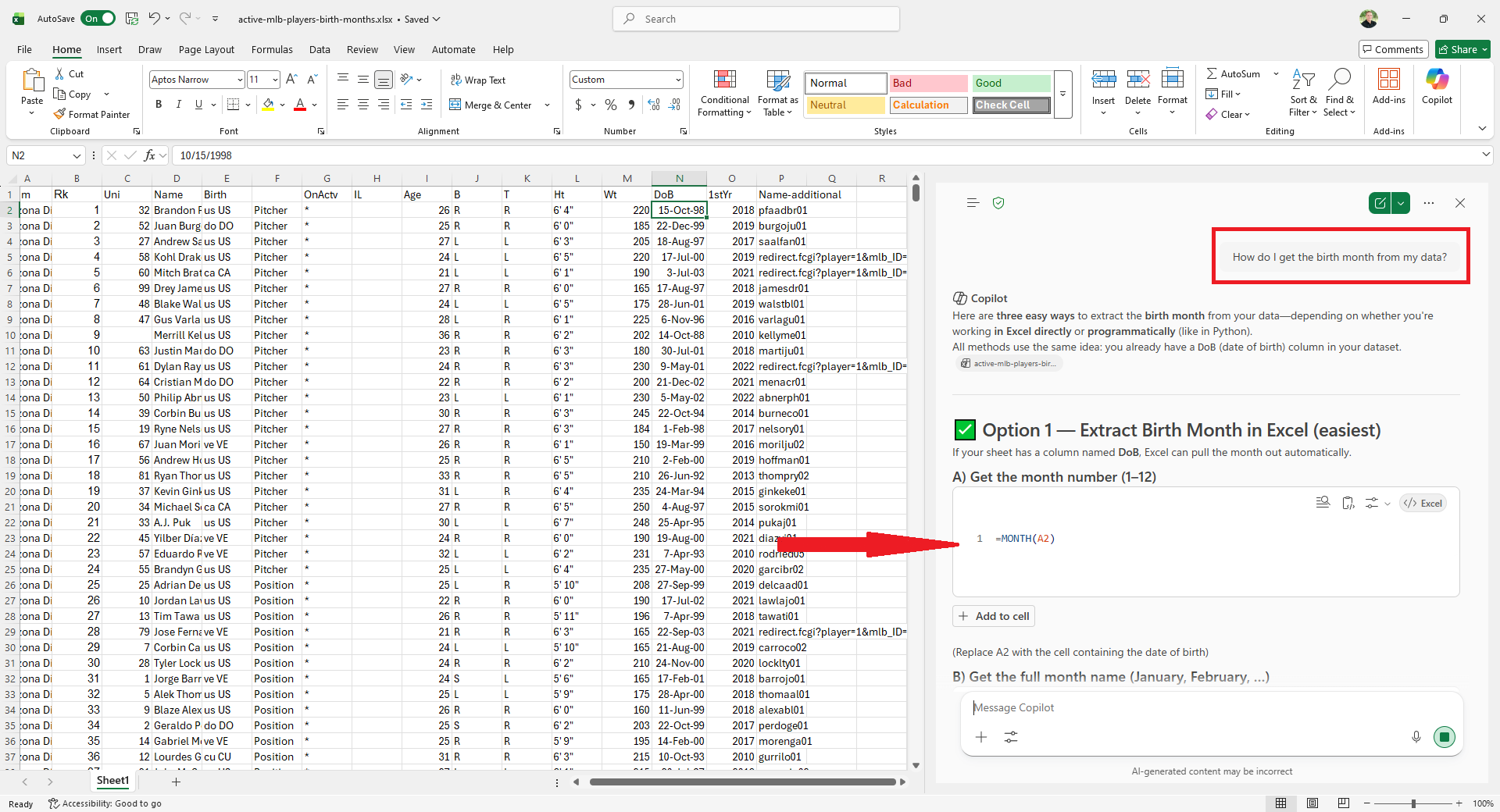
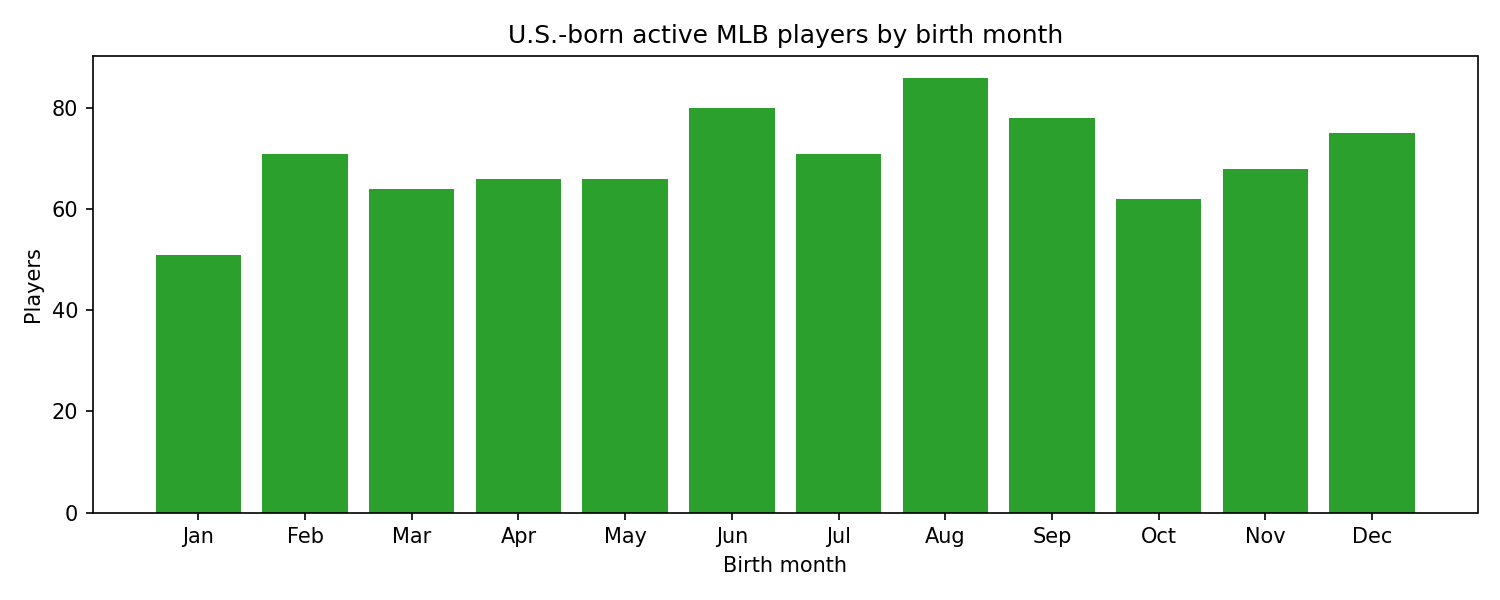
I copied all the active players from Baseball Reference into Excel, scrubbed the data, made it look pretty, and started cutting up the data to look for patterns. At first, I didn't see anything interesting, so I kept digging. Eventually, I cut to only U.S. players, and I find a little something.
Just a small tick where MLB players were LESS likely to be born in January.
 It was fun and interesting, but it took me a whole Saturday. Now, you may be thinking, an entire day to just do that? But you have to understand, I have 5 kids. When I say my "entire" Saturday, I mean the 4-6 hours I get during nap time and after the kids go to bed. Now, you may be wondering, what the heck does all this have to do with Copilot?
As I started with, I wanted to see how much value I could get from Copilot in Excel. So I thought this was the perfect opportunity. Would Copilot come to the same conclusion? Would Copilot find the same thing I did?
Sure enough, it did... In seconds, not hours.
Anyways, here's how I did it.
I took the data I already gathered from Baseball Reference and copied it into a new spreadsheet. I didn't want Copilot to cheat and see my original findings.
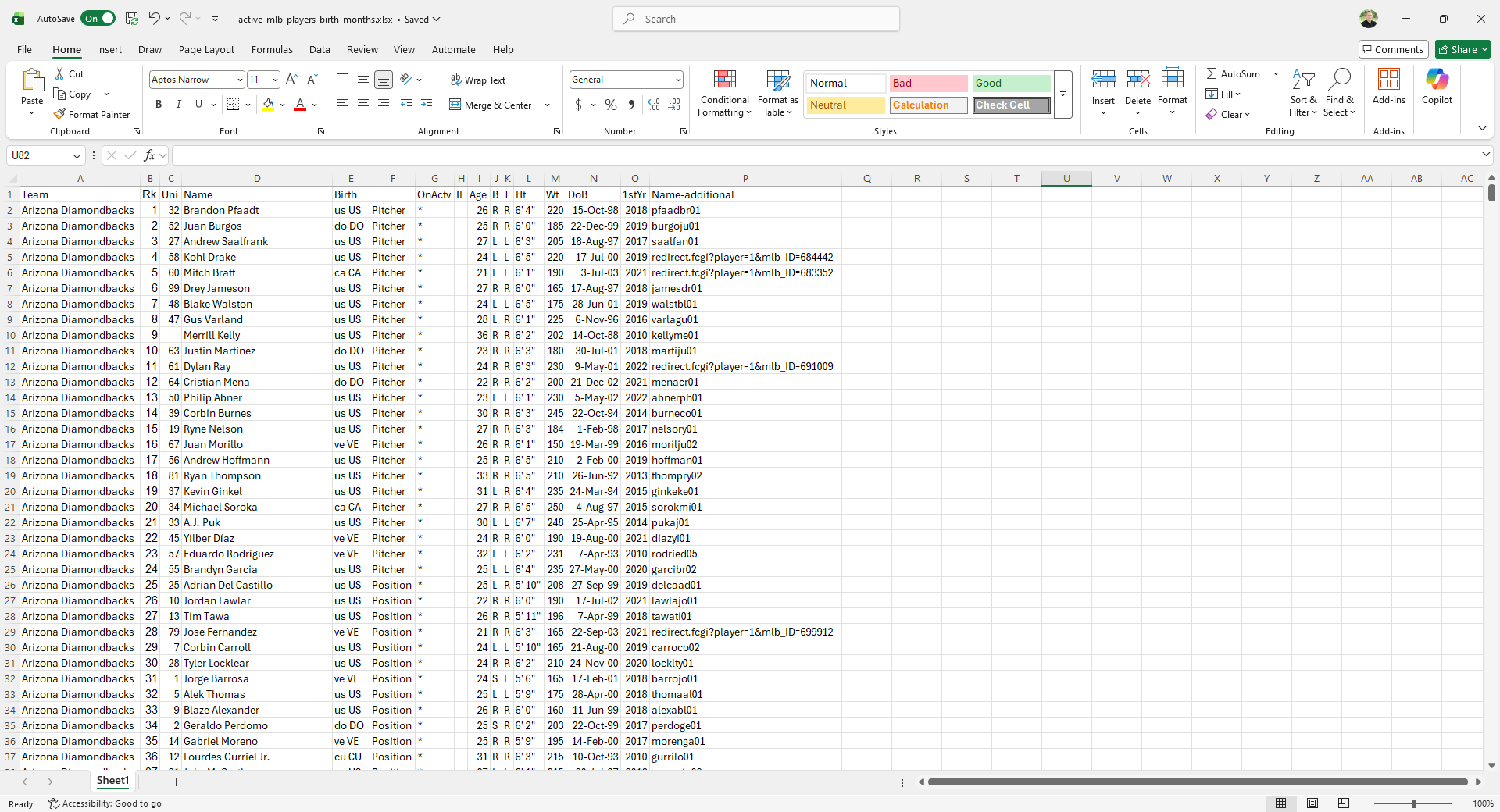
Then I asked it 2 simple questions.
Question 1: Birth Month Including All Countries
This sheet contains every active MLB player. I'd like to know if the month of their births affects their chances of making it to the MLB. Can you find anything odd about their birth months?
It finds some "interesting things" but nothing of note. That's exactly what I saw the first time I ran the numbers, too. It also ran by quarter, which I also did the first time I gathered this data.
Another interesting thing it found. It also thought we should cut by country because of national differences. Under the "Want me to dig deeper?" section, it said "Split by country of birth (US vs. DR vs. VEN, etc.) to see if any one country shows a clear-cut-off effect."
So I asked a follow-up question.
Question 2: Birth Month Only U.S.-Born
Now run the data just with U.S. players, please.
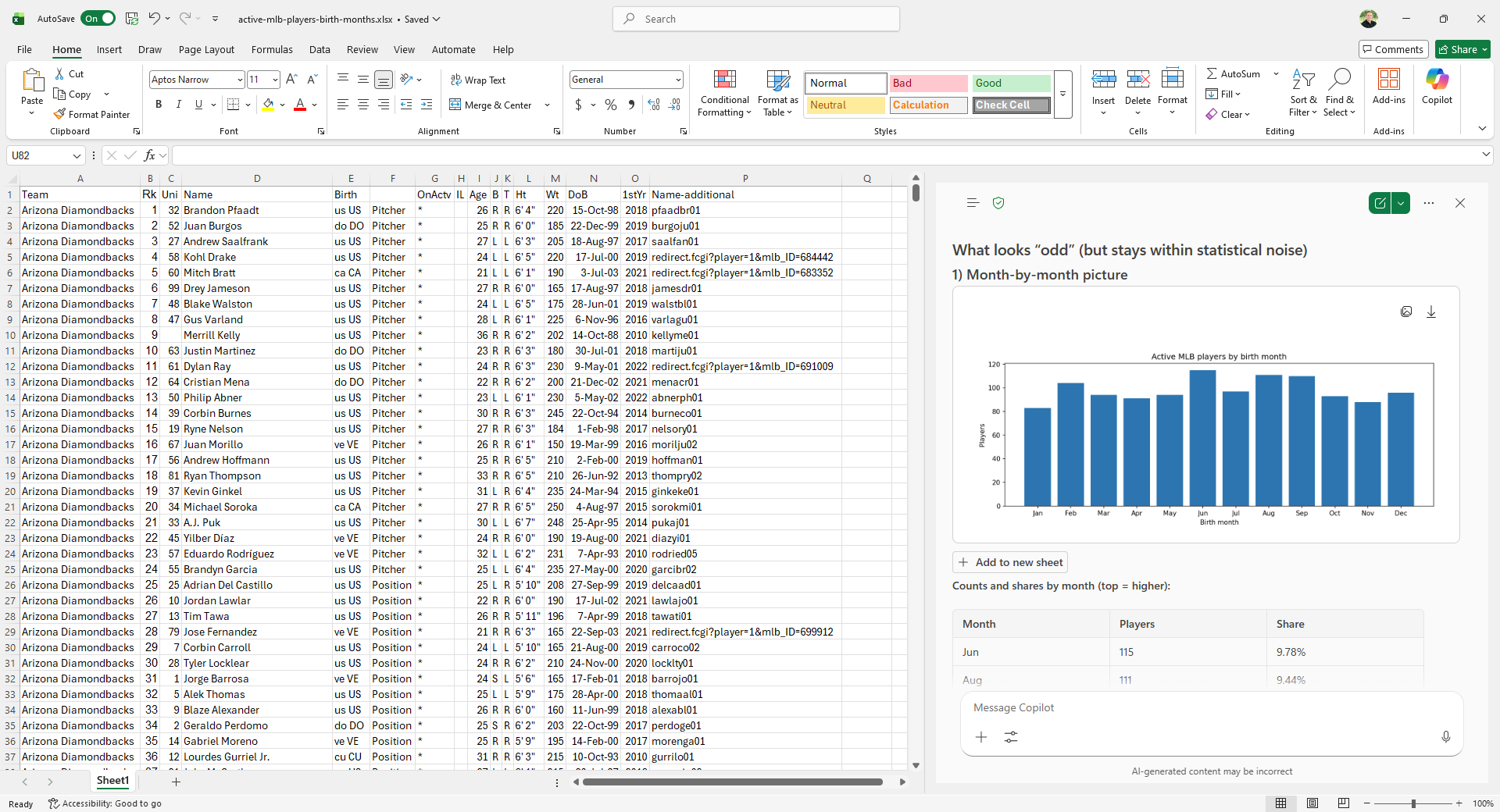
It found the same thing I did: MLB players in the U.S. are less likely to be born in January. It came up with the idea to cut the data to U.S. only and found the anomaly in mere seconds... With 2 prompts. I spent HOURS cutting up the data, building charts, and running the numbers all manually.
So, whether you keep budgets, transactions, customer information, or inventory tracking in Excel, I would do one thing. Ask Copilot. Start with a simple question: Notice anything interesting in this data?
Move on to something more specific: Is there any information here that can help us increase sales?
Or look for cost savings: Does anything stand out where we may be able to save money?
Then ask a couple of follow-up questions. Let it be your data analyst, assistant, and partner all in one.