The Scariest Story For Microsoft 365 CSPs

Every Microsoft 365 environment tells a story. Typically, a messy one. It starts innocent enough. During the migration there are deadlines. No one knows if the accountants need the Office suite, Teams or OneDrive. For simplicity you give everyone in the company the same one or two licenses. You figure it's not that much money. We'll figure it out sooner or later.
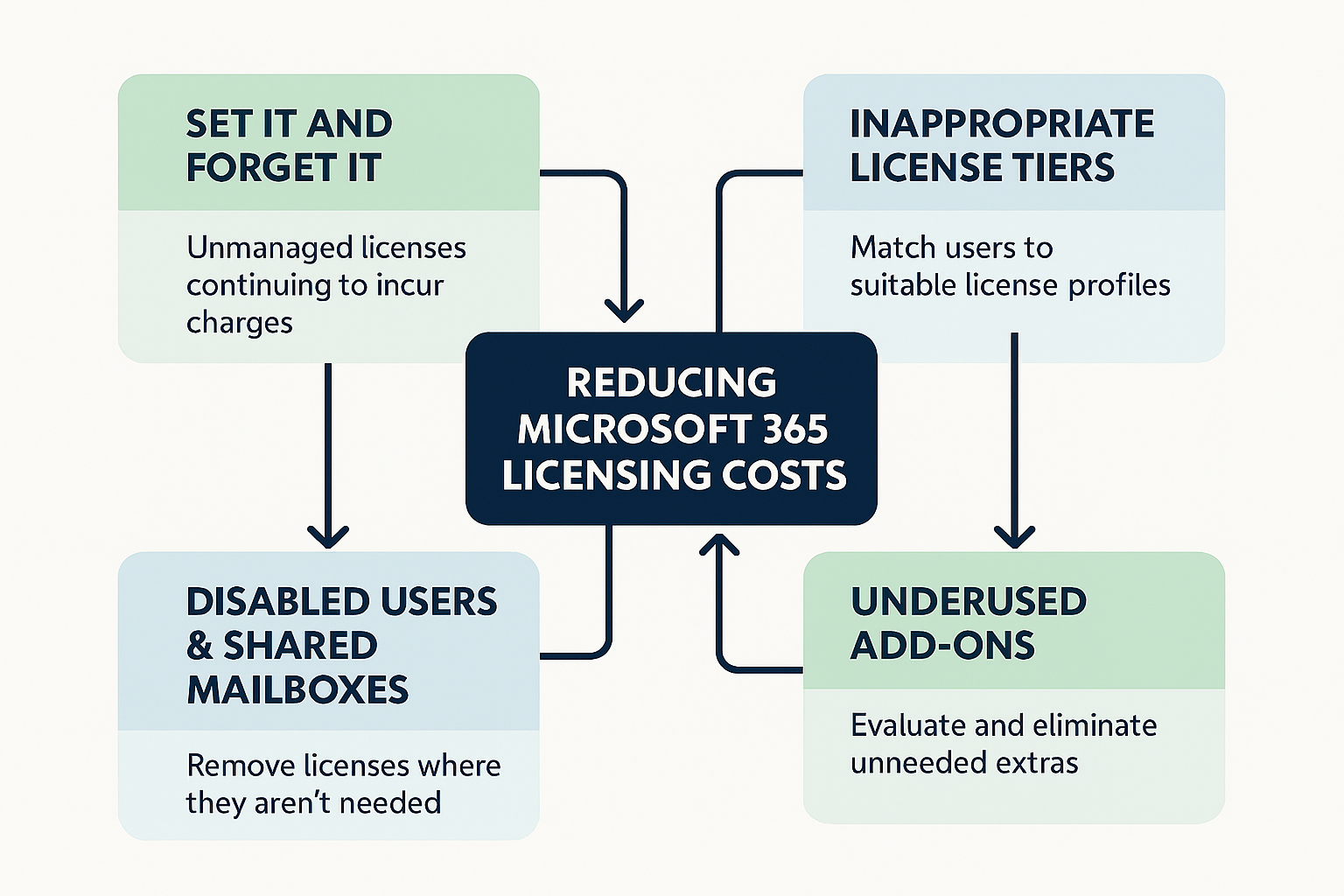
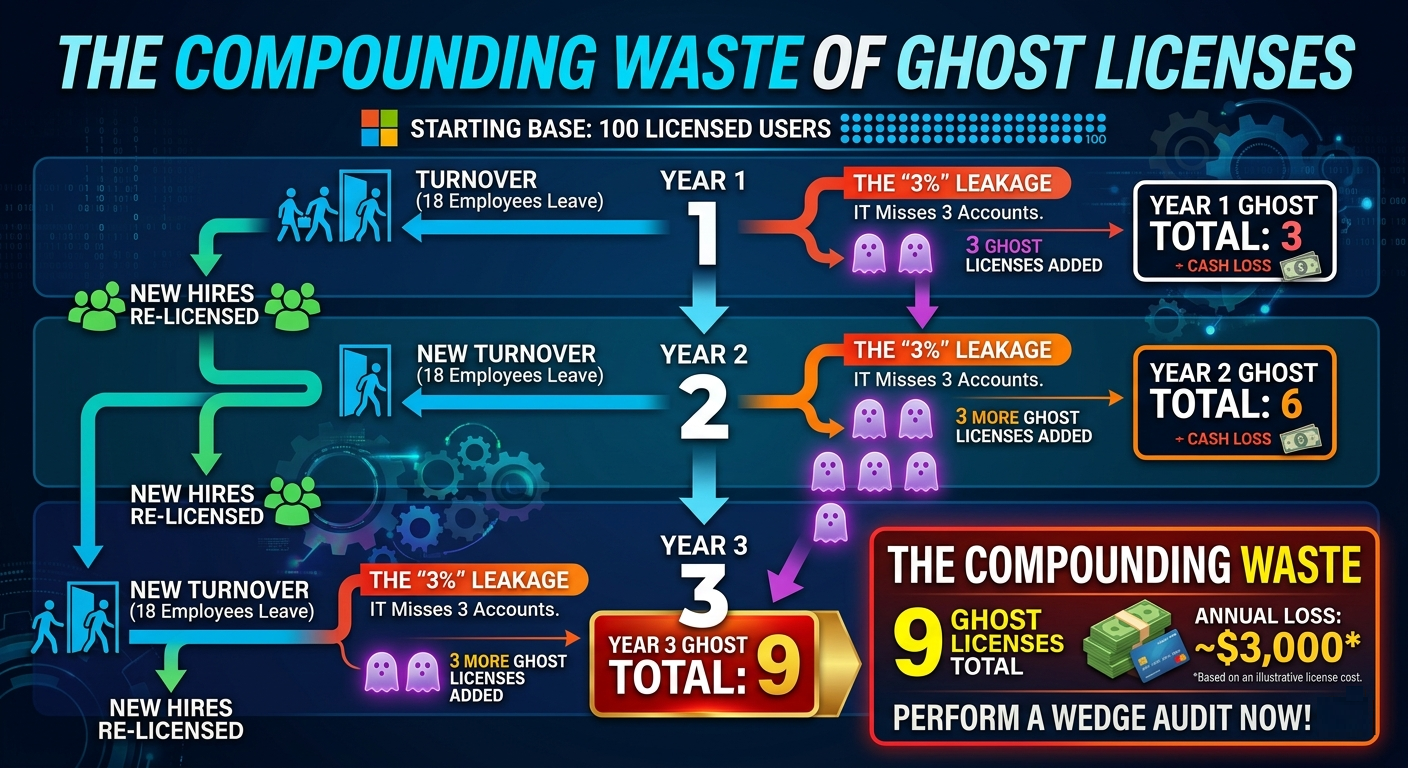
Then turnover happens. You document the process but things come up. An admin forgets to remove the license from an account. Another license is removed but then their old boss complains they still need something so you throw the license back on account and forget about it. Nothing major. Nothing that will ever cause the finance team to cry or scream. But it adds up quickly.
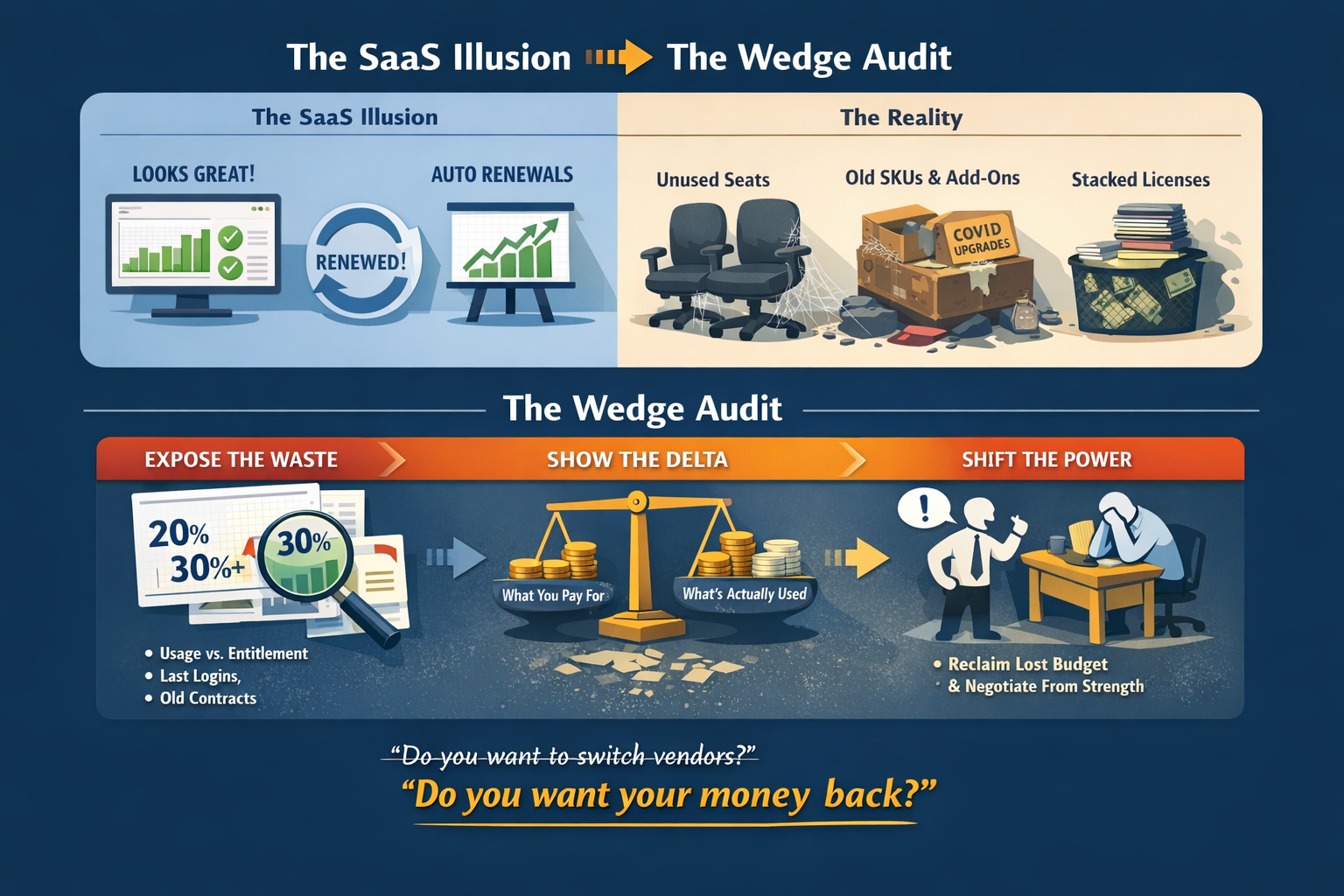
Then someone in IT meets a new Microsoft 365 CSP. They don't tell you, why would they. The new partner says something like "When's the last time you did a license assessment?" You haven't done one and your client has no idea what they are talking about. The new partner does it, and all of a sudden your client realizes they could save 20% from their annual Microsoft budget without losing anything anyone is using. Yikes. Now the client has lost faith in you, and they're telling you to pack your bags. You're toast.
The Set-It and Forget-It License Scam
There, I said it. The "cloud" that was supposed to save our budgets, make life easier, all of a sudden is costing a fortune. Price increases, terminated employee accounts still licensed, and over licensed user accounts are killing your clients budget. Eventually, your client is going to realize they are over-paying and who are they going to blame?
License Tiers Are Not Status Symbols
You've seen it before. Joe, accountant #13 get's a new computer and all of a sudden Susan, his team lead needs a new laptop, but here's the thing you need to remind your clients and their users. Licenses are not status symbols. You can show off a new laptop, sure. But you can't show off how much money is spent on a Microsoft 365 license.
Some clients treat Microsoft 365 licenses like job titles. Microsoft E5 feels senior. Business Premium feels… junior. Downgrading someone’s license can feel like a demotion, even when it objectively isn’t.
If someone "needs" a higher tier license sit them down and explain what they get with it. Might as well ask them to use it.
The Low-Hanging Fruit Everyone Misses
Disabled accounts and accounts that haven't seen a sign-on in over 30 days are low hanging fruit. They are easy for IT teams to miss and they are super easy to run a report and show your clients that you are saving them money.
It's easy to replace a partner that charges $5,000/month with one that charges $4,000/month.
It's hard to replace a partner that charges you $5,000/month that just saved you $7,000/month.
Right-Sizing The Licenses/User Account
Right-sizing is the strategic, proactive process of aligning an organization's user accounts to its actual needs in Microsoft 365. It's a simple idea at the core.
Take a user with a Microsoft 365 E5 license that is only using email on their phone and replace their license with an Exchange Online Plan 2 license.
In practice, it isn't easy. It takes a real partner to understand there are over 26 apps in the Microsoft 365 ecosystem and 19 other concerns, many of which are security related, attached to each user account. It's a difficult process to get right, but once you get it down. It will pay dividends in your Microsoft 365 CSP sales.
Usage Reports Are Boring. Read Them Anyway.
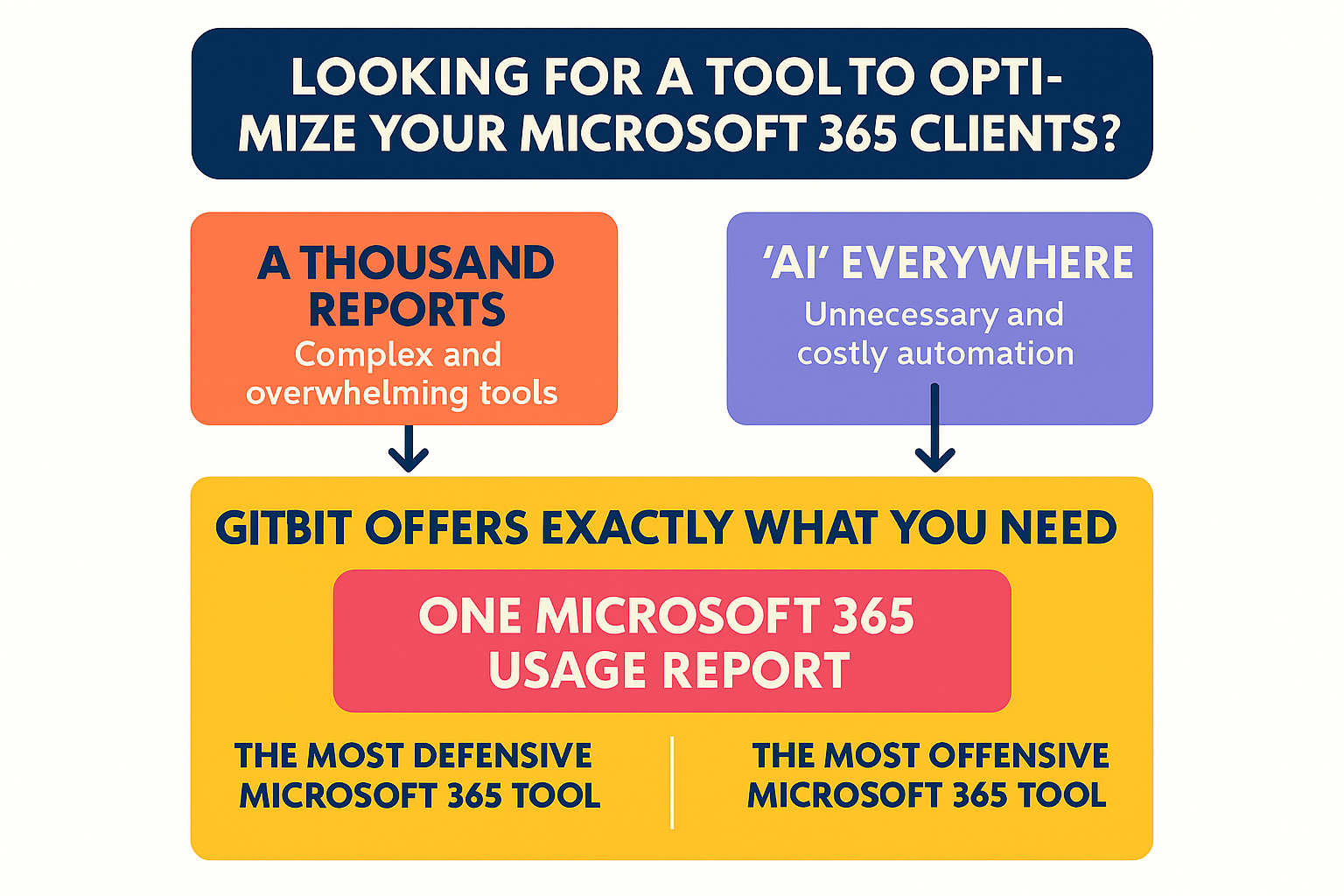
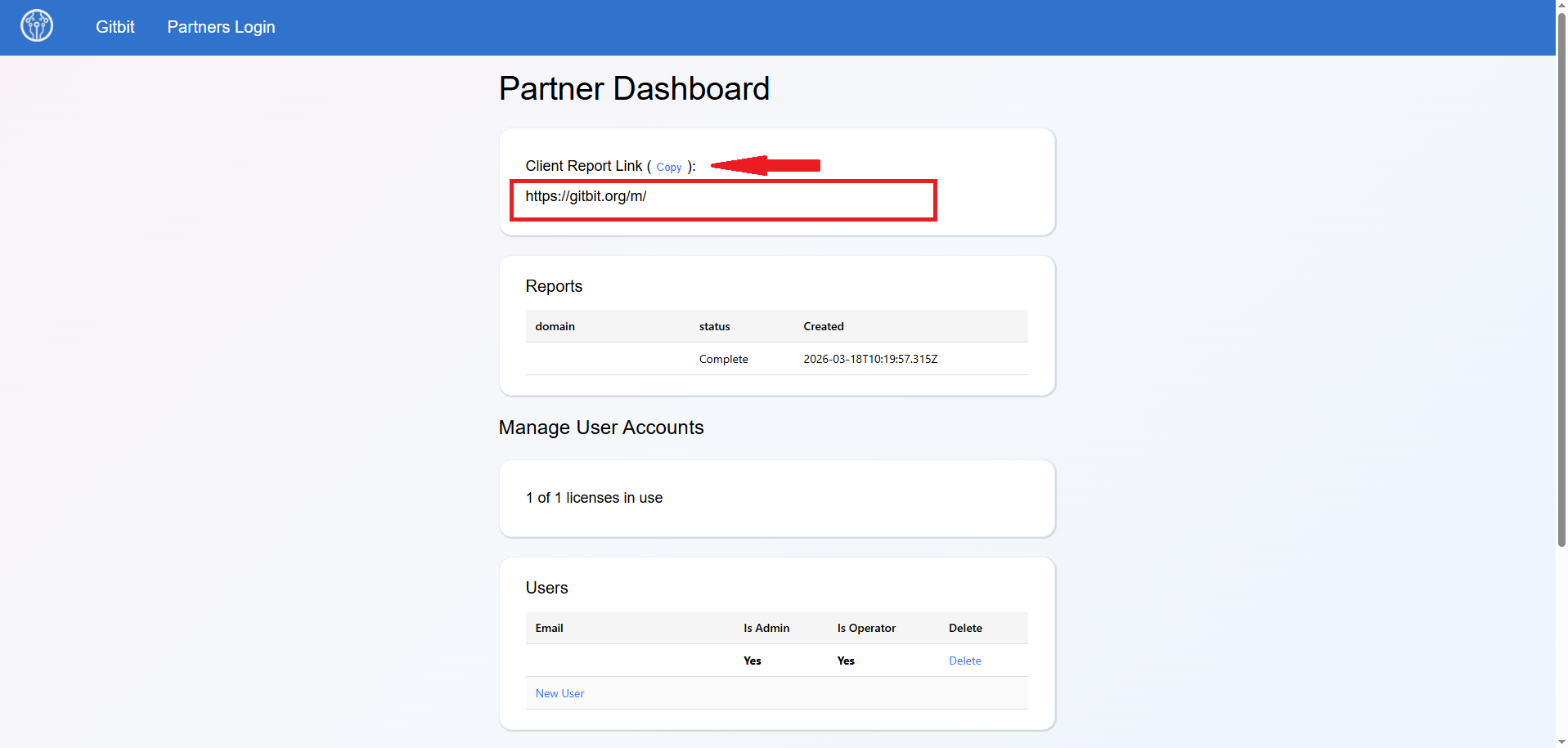
All of these things come down to 1 thing. Usage reports. Gitbit is designed to create a simple, collated usage report for every user in the organization. It's not easy. It's not exciting. But if it was easy and fun, it wouldn't make you money.