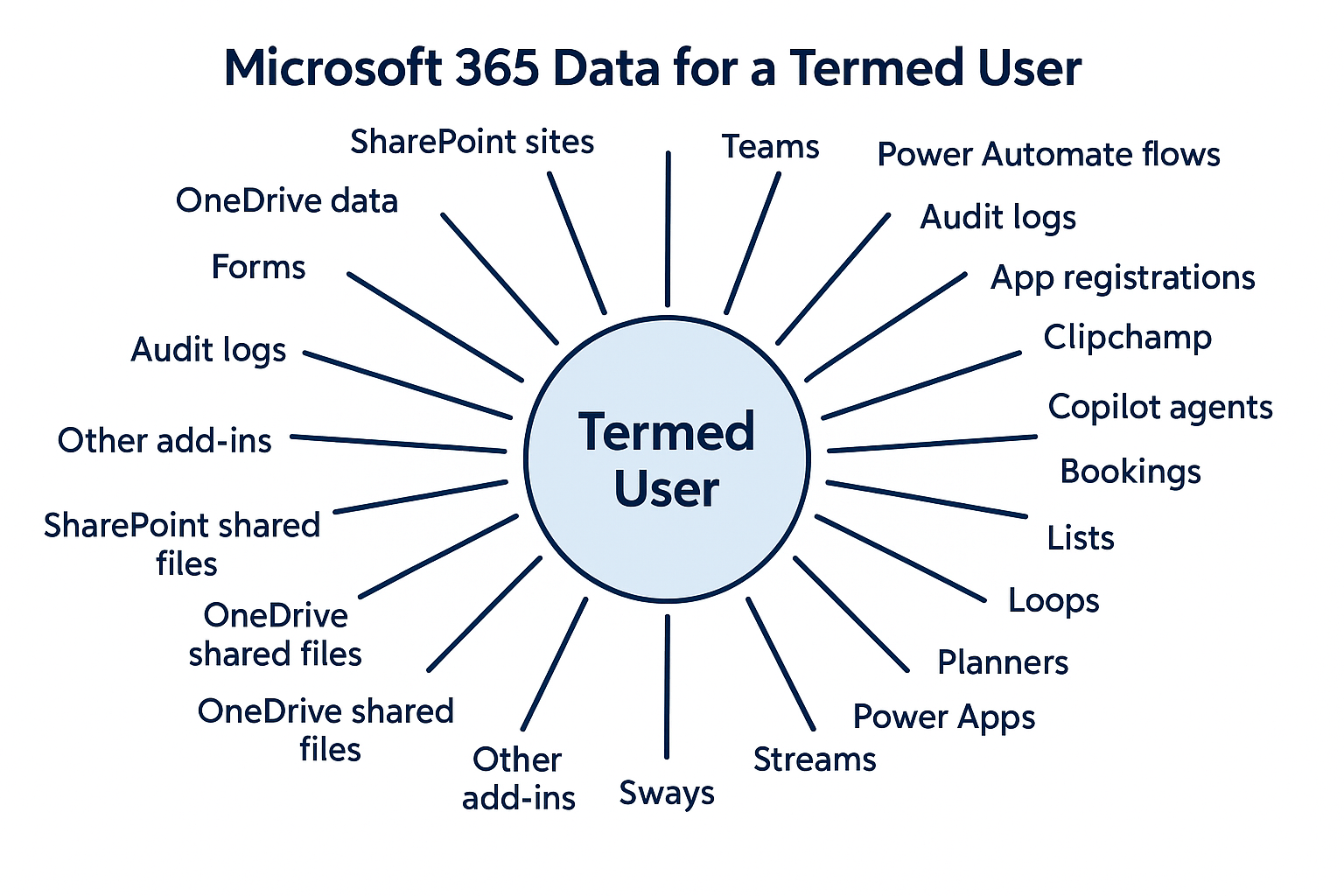
How To Decrease Or Cancel Gitbit Licenses

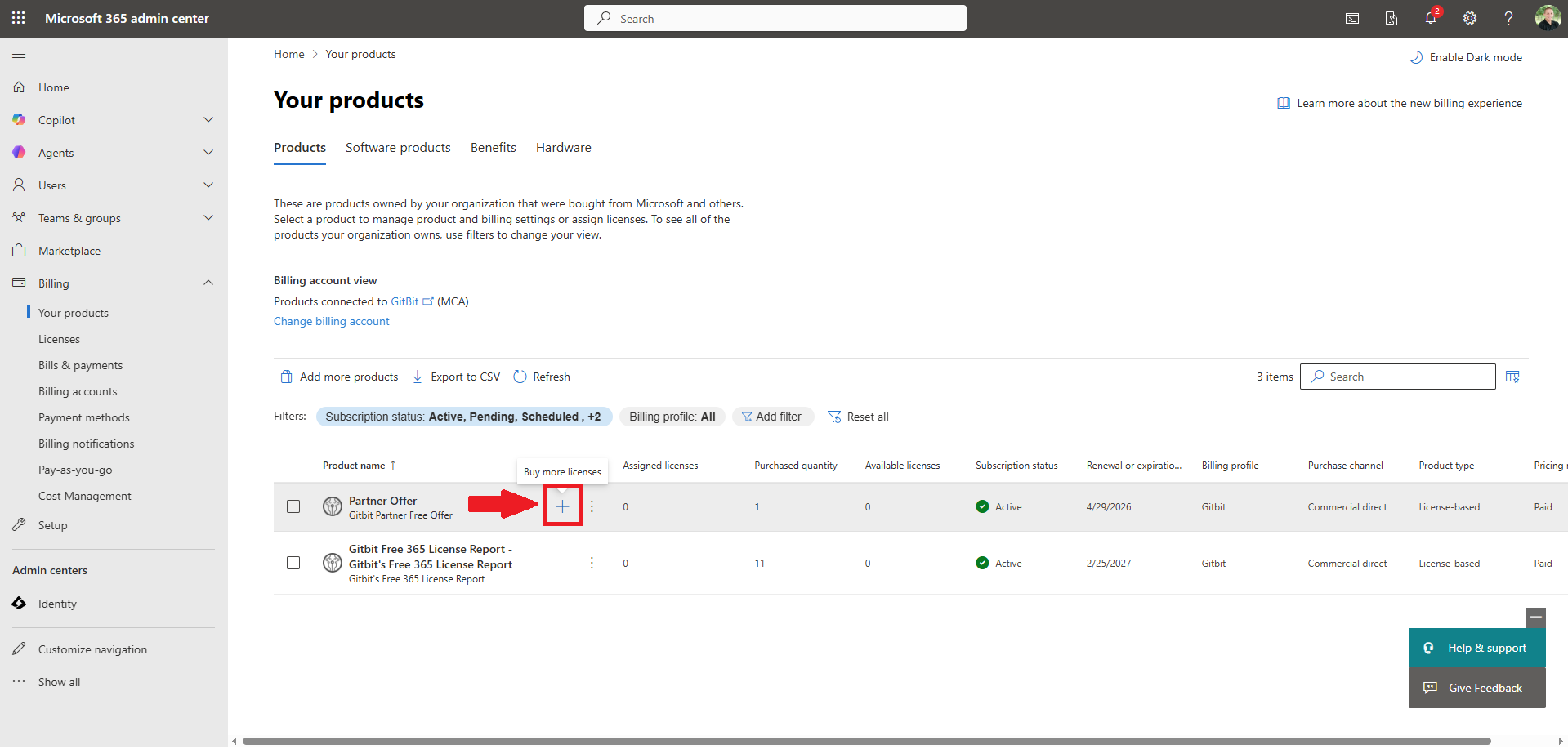
Since Gitbit relies on Microsoft to handle billing and subscriptions, you can easily update the number of licenses you purchase through the Microsoft 365 admin center.
Free Licenses In The Partner Dashboard
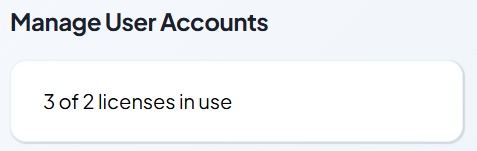
Before removing licenses, it's recommended to ensure the desired number of licenses are available. To do that, go to the Partner Dashboard and verify the number of assigned licenses is less than or equal to the number of licenses you wish to reduce. Once you have made the licenses available in Gitbit, you can continue to reduce the license count in the Microsoft 365 admin center.
Reduce The License Count In Microsoft 365 Admin Center
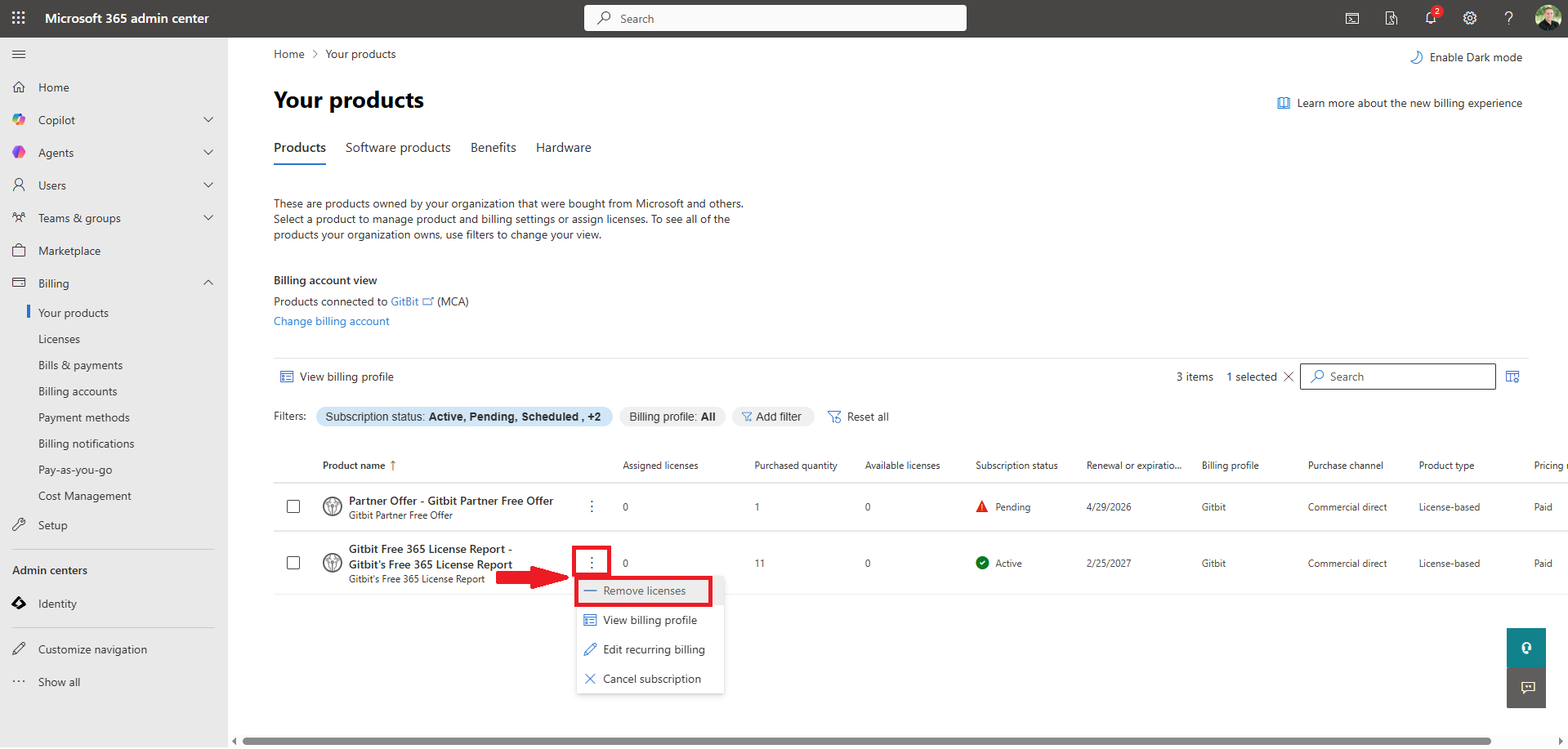
- Microsoft 365 admin center > Billing > Your Products.
- Click the ellipses (...) next to Gitbit Partner Offer > Remove Licenses.
- Enter the new total licenses you want in the New total license quantity textbox.
- Click Save.
Cancel Gitbit Subscription
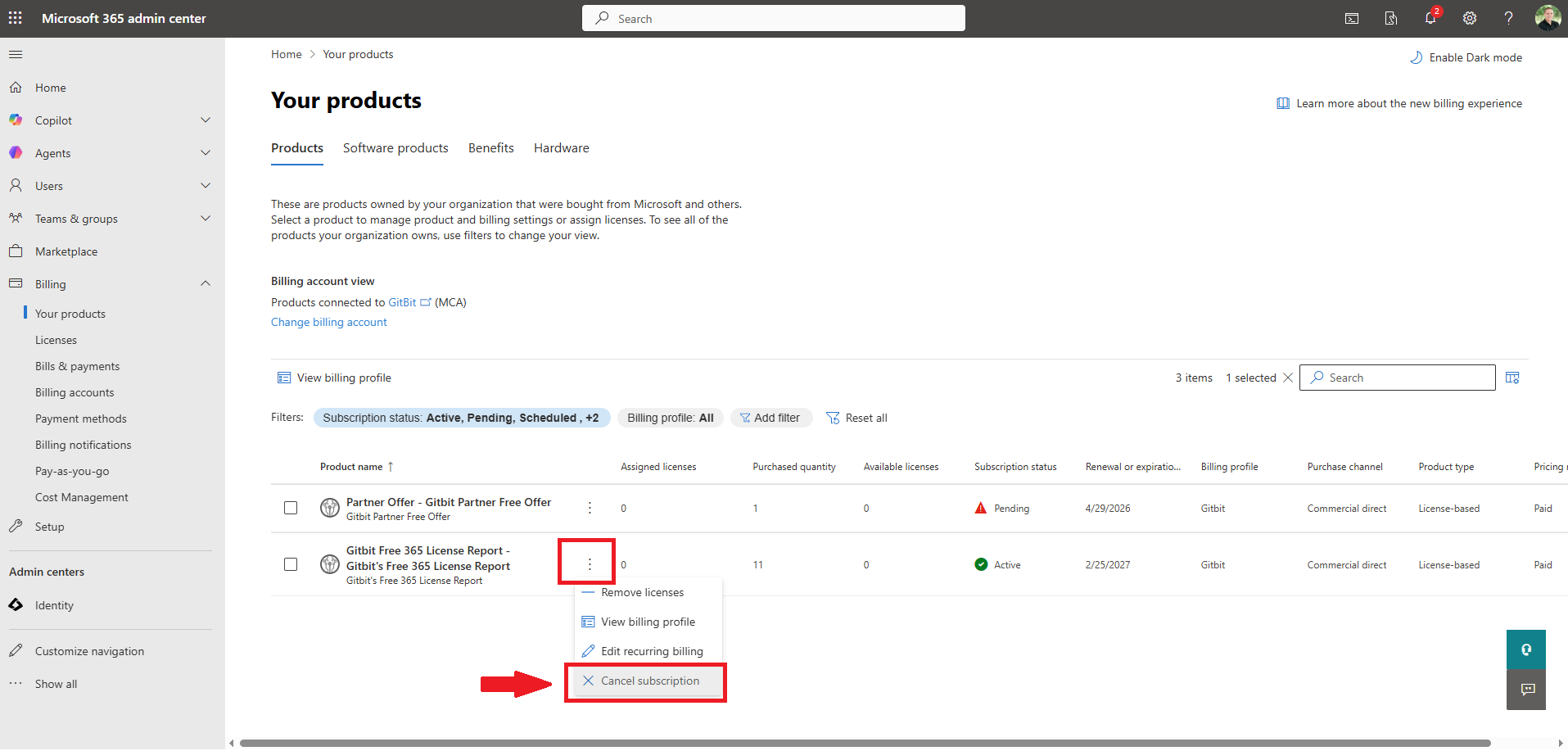
- Microsoft 365 admin center > Billing > Your Products.
- Click the ellipses (...) next to Gitbit Partner Offer > Remove Licenses.
- Click Cancel Subscription.
Before you cancel, if you're struggling to find the value in Gitbit, then go to our convincing prospects guide.
More Guides
- The Offensive Playbook
- The Defensive Playbook
- Gitbit's Super Simple Pricing Model
- How To Purchase Gitbit Licenses
- Convincing Prospects To Let You Run A Report
- How To Log In To Gitbit
- How To Run A Gitbit Audit Report
- How To Gain Insights Using The Gitbit Audit Report
- How To Handle Objections
- Managing Your Team In Gitbit
- How To Contact Gitbit Support