Overview Of Right-Sizing Microsoft 365

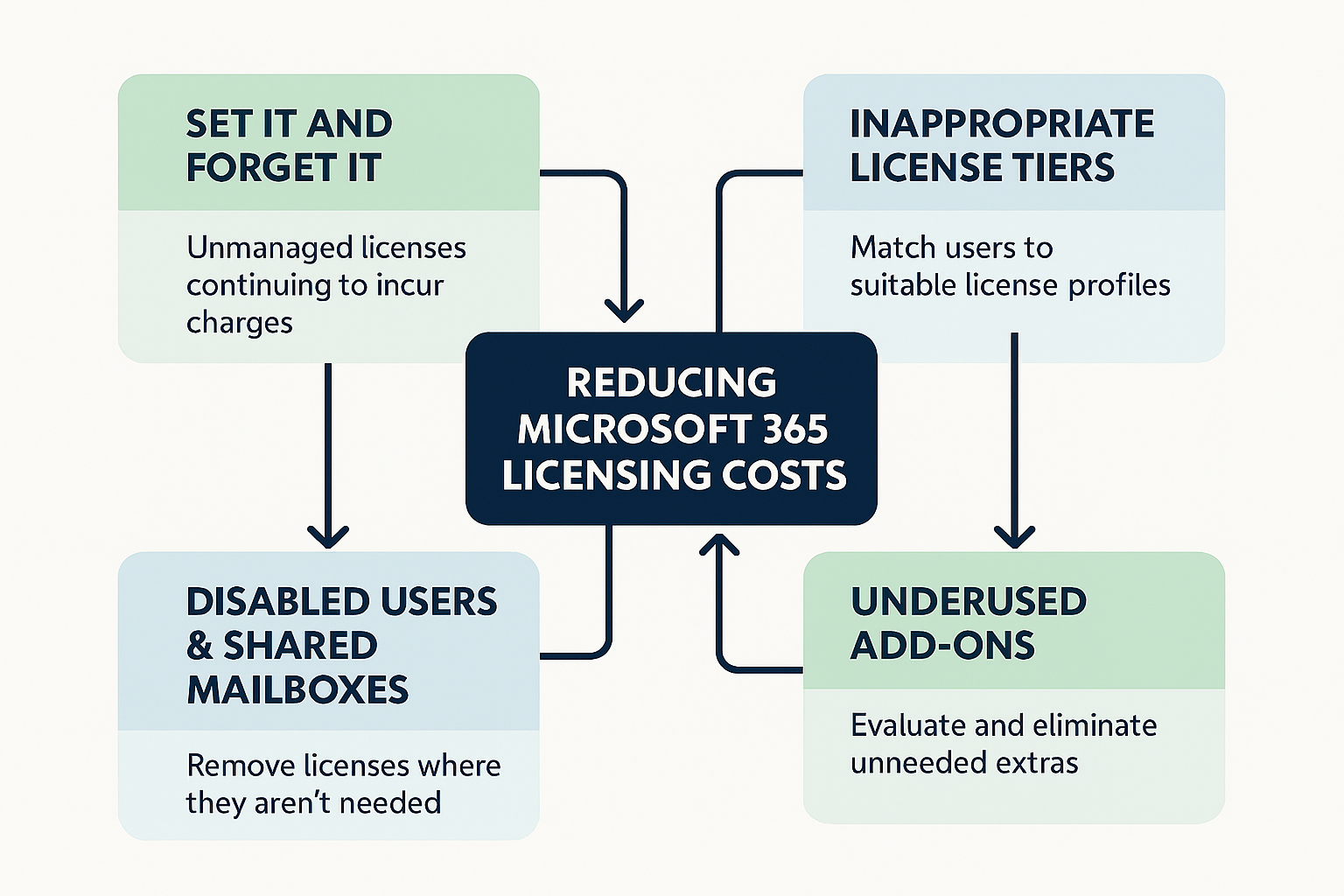
Right-sizing is the strategic, proactive process of aligning an organization's user accounts to its actual needs in Microsoft 365. It's when a user has a Microsoft 365 E5 license and all they use is a basic Exchange mailbox so you downgrade their license to an Exchange Online Plan 2 license.
Right-sizing a user's license is critical to getting the most value for your customers from Microsoft 365. Why should your customers pay for a Microsoft 365 E5 if all they need is an Exchange Online Plan 2 license?
That being said there are two main parts of a Microsoft 365 license:
- The Apps
- The Management & Security
The apps are much easier to tell when a user is using or losing. As a matter of fact, there are 26 main apps in Microsoft 365 but only 5 main apps that most users use:
- Exchange mailbox
- Office apps on Windows or Mac
- Microsoft Teams
- Microsoft OneDrive
- Microsoft SharePoint
If a user loses an app they actively use, they'll immediately know and inform IT which is an easy fix.
The management & security piece is much harder to detect.
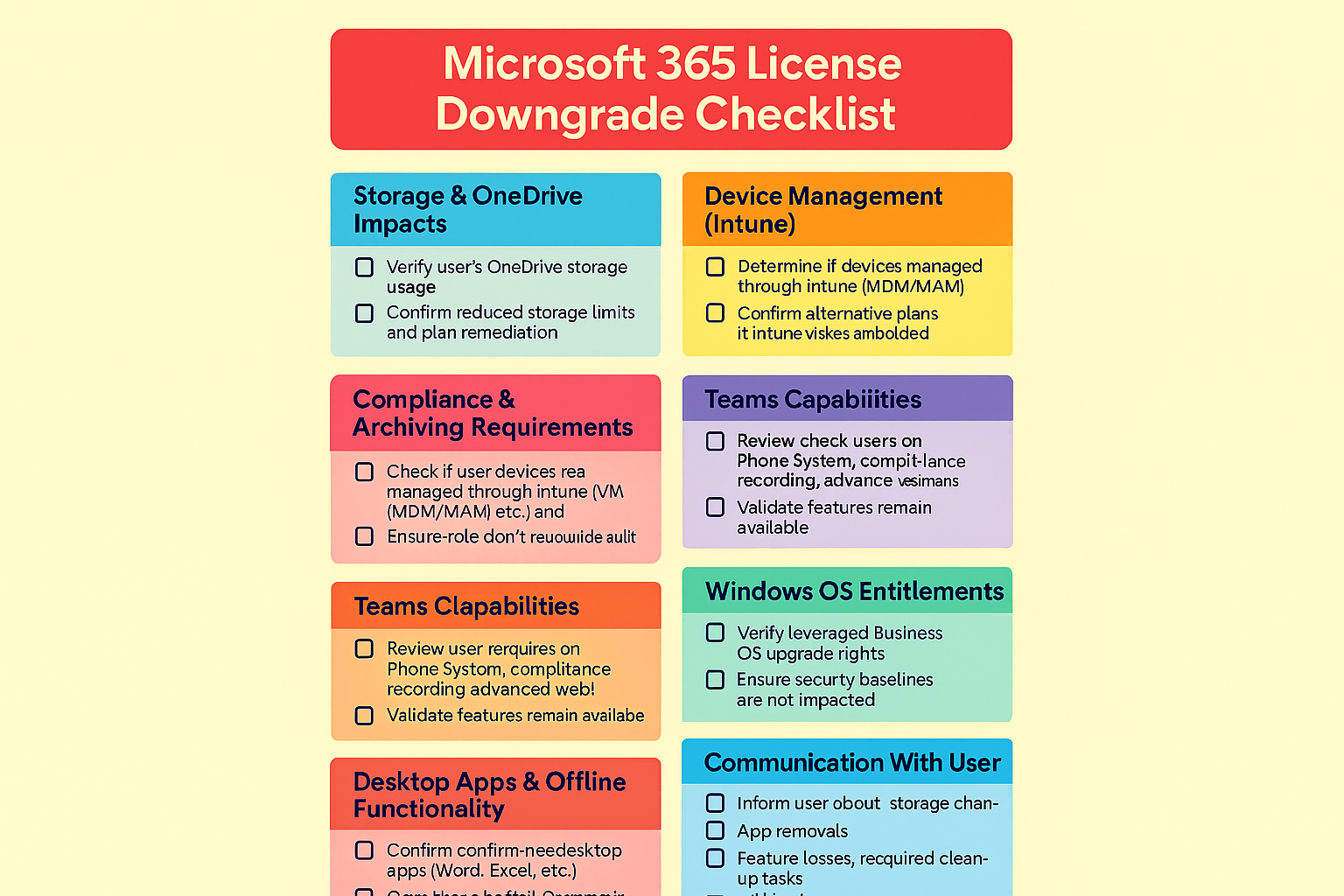
- Office desktop apps
- OneDrive storage shrinks
- Exchange mailbox shrinks
- Exchange archive mailbox
- Exchange unlimited archiving
- Advanced Threat Protection
- Conditional Access Policies
- Advanced identity governance
- Automated investigation & response
- Microsoft Intune
- Advanced eDiscovery (eDiscovery Premium)
- Litigation hold capabilities
- Phone System / Calling Plan capabilities
- Compliance recording
- Teams webinar
- Windows 11 Business
- Advanced Power BI integration
- Viva suite features
- Information Protection add‑ons
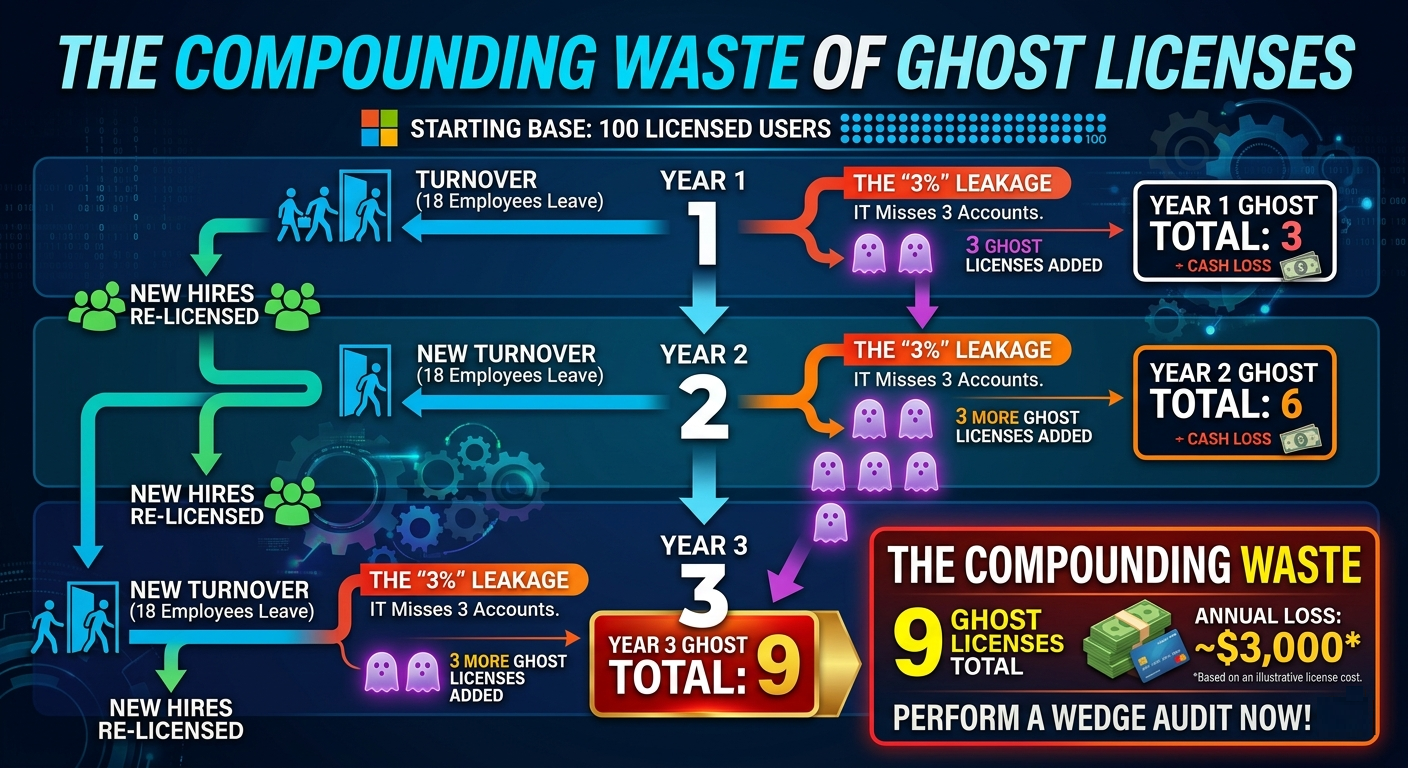
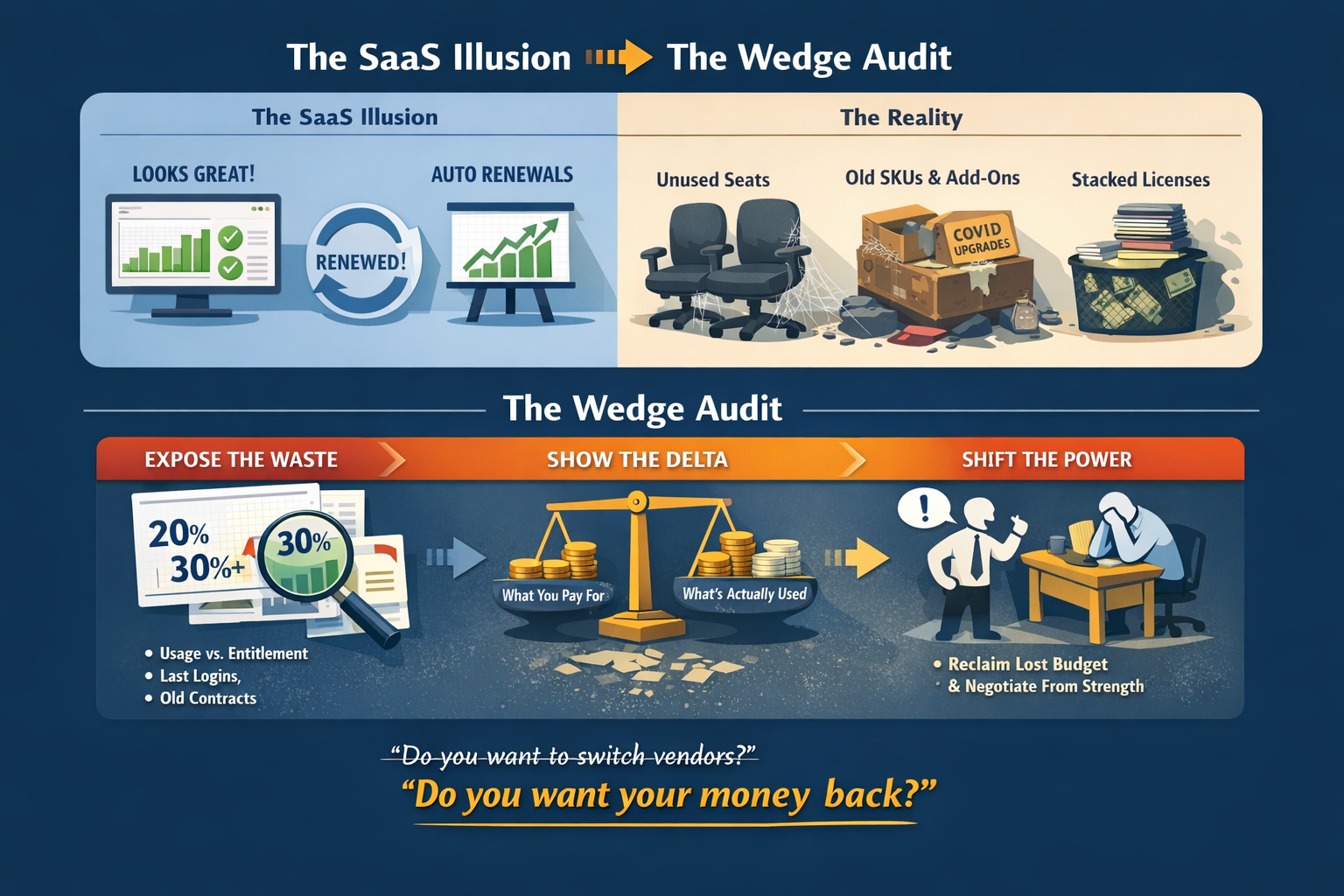
Because there are so many pieces, many of which need to be manually checked it's best to sell your customers on right-sizing after you and your team have access to their environment. If you're meeting with a prospective customer inform them of the money you can save them by removing licenses from disabled and user's that haven't logged in up front and explain with admin access you can right-size their users much better.