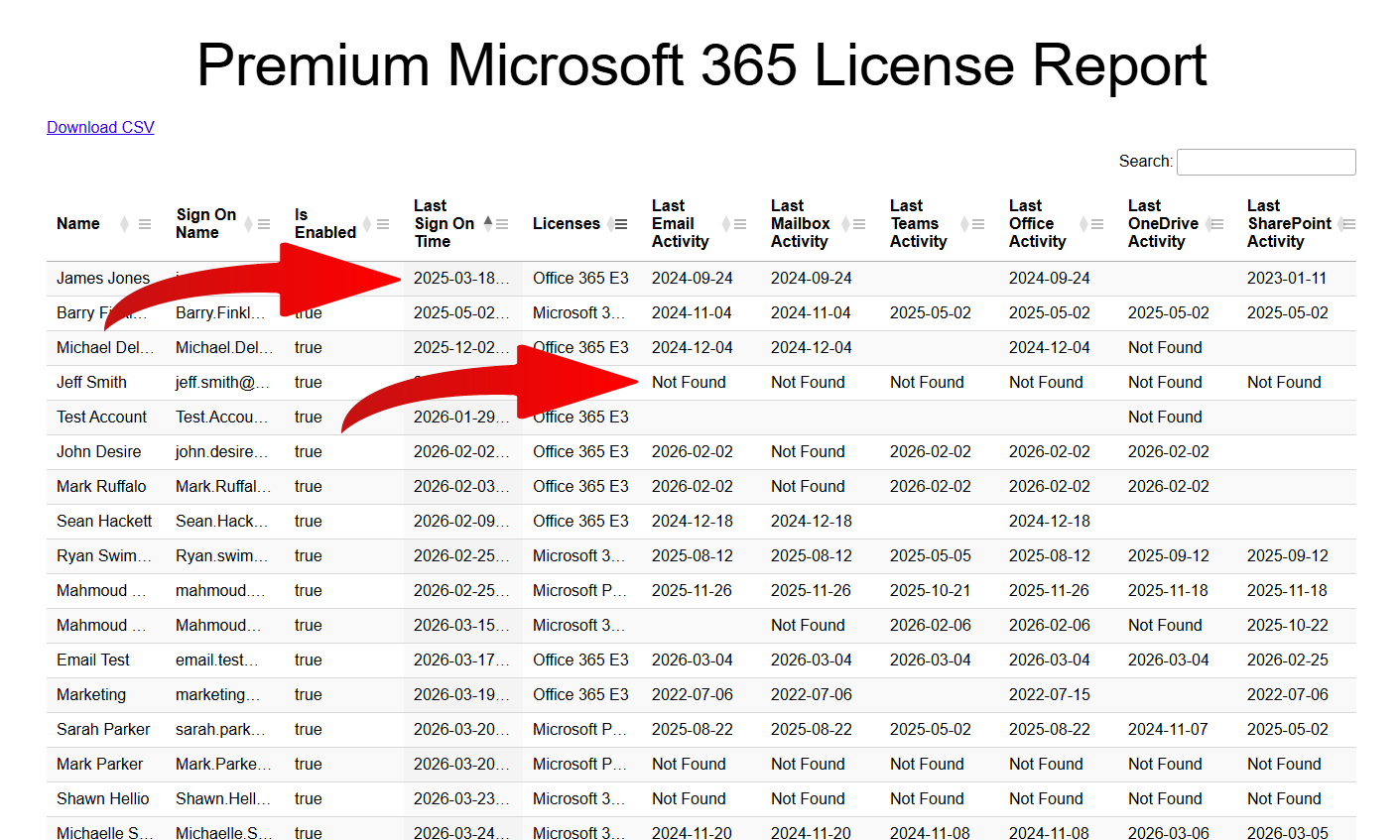
How To Sign Up For A Gitbit Free Trial

Gitbit has just launched a trial. You can get Gitbit for free for one month.
Ready to audit your Microsoft 365 environment and stop wasting money on unused licenses? You can now try Gitbit completely free for 30 days. Signing up only takes a few minutes. Here is exactly how to get started.
Signing up is simple.
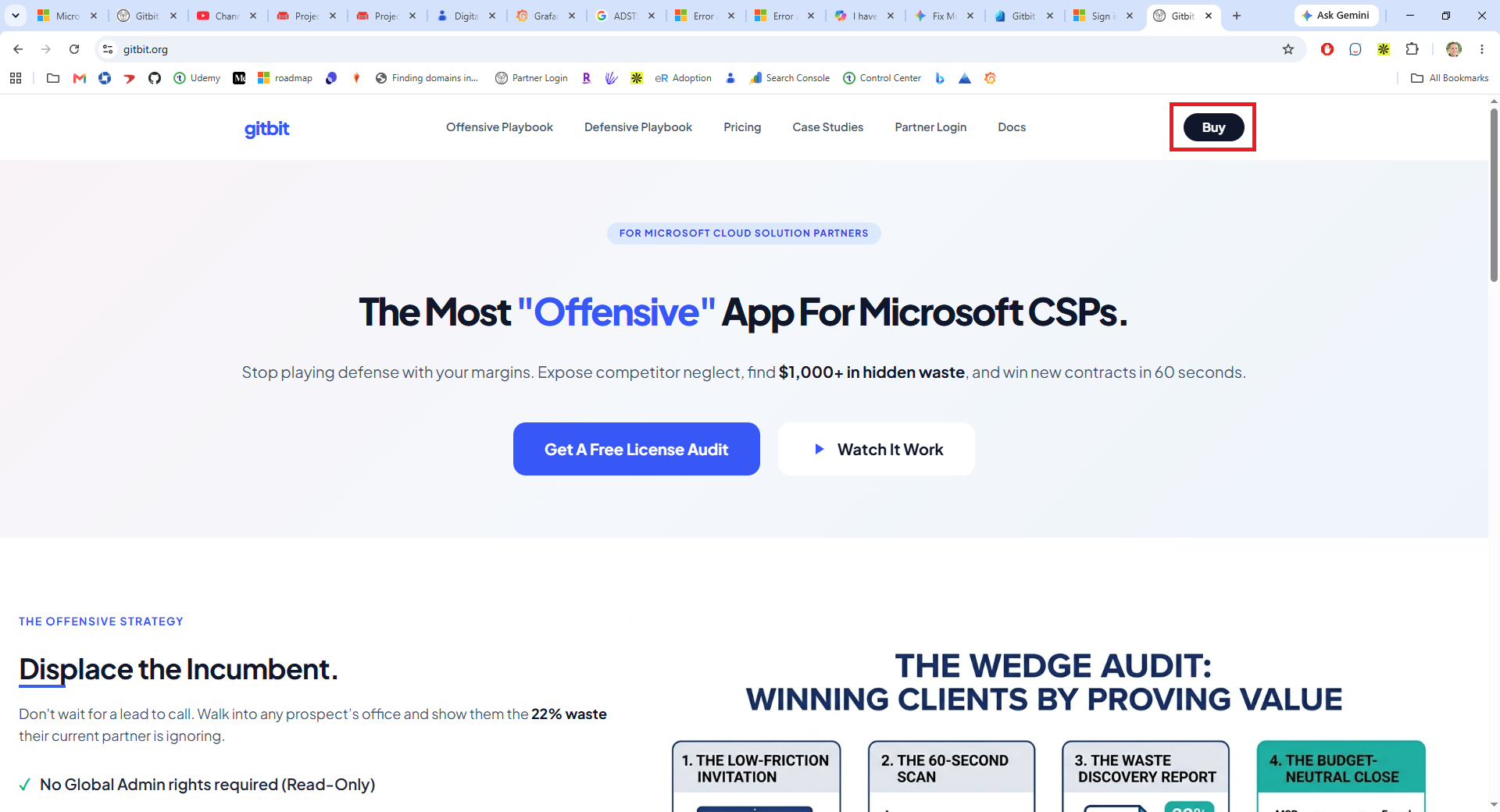
- Go to gitbit.org and click Buy.
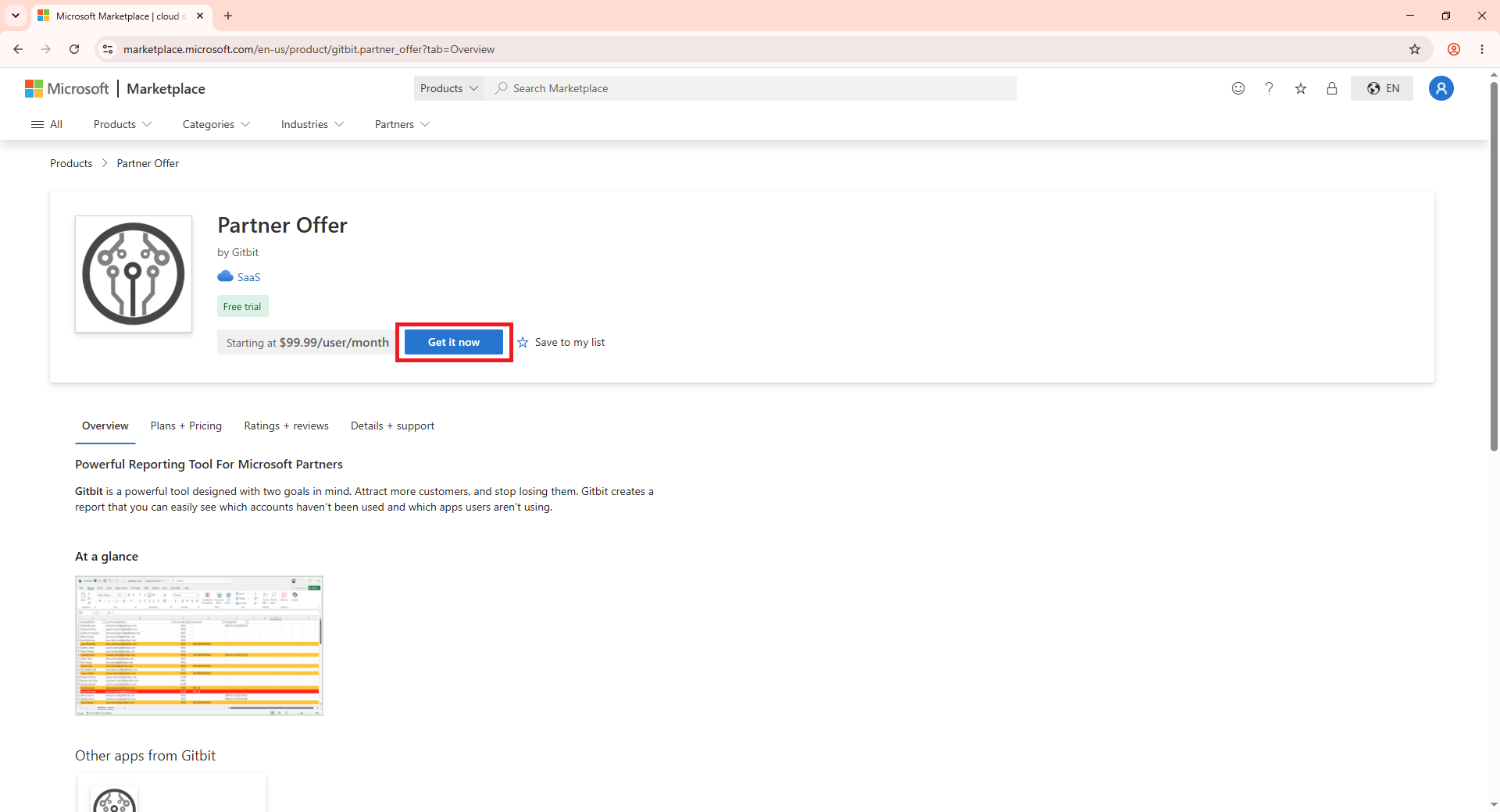
- Click Get It Now.
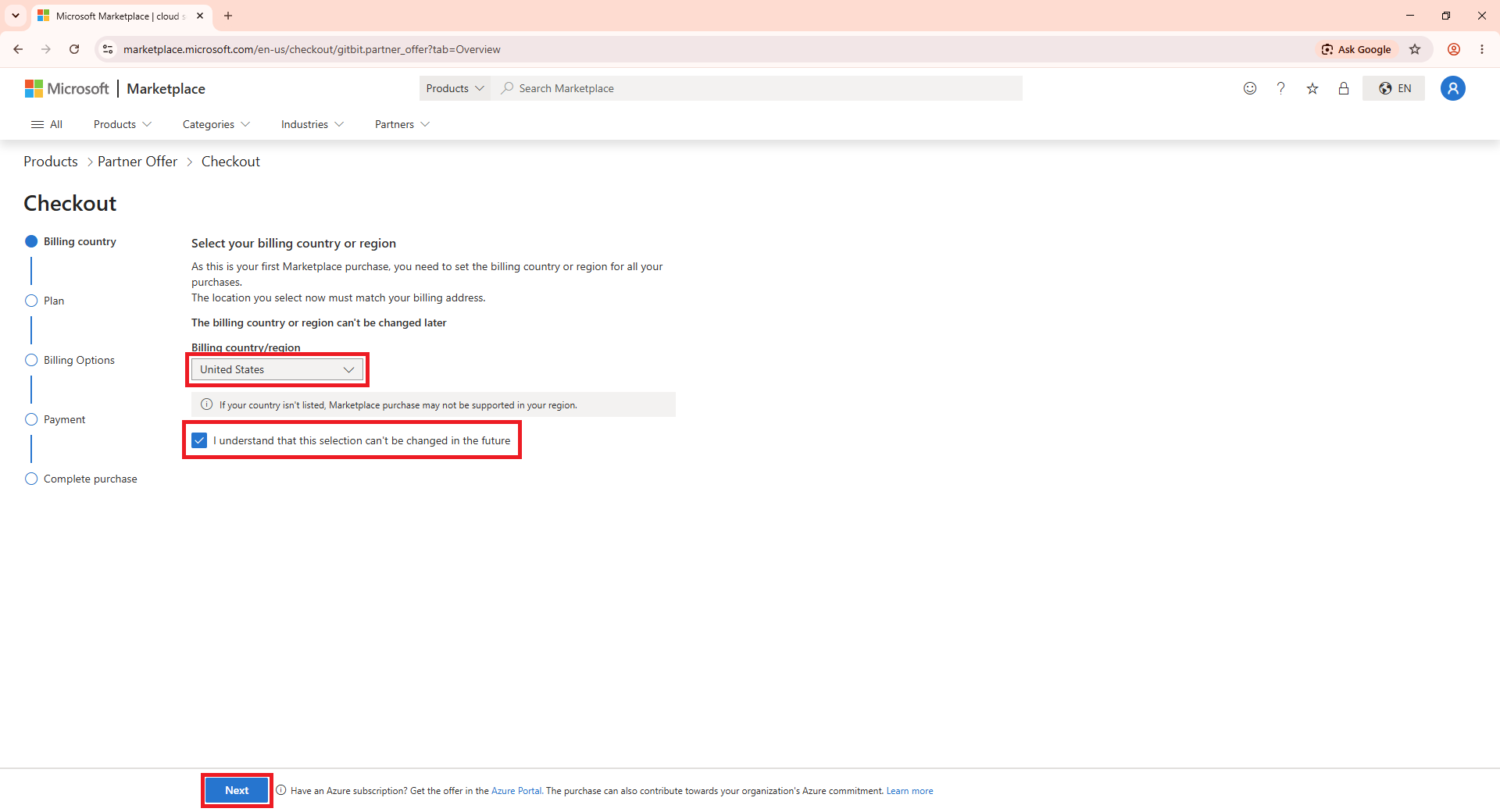
- Set your billing country. Click I understand that this selection can't be changed in the future. Click Next.
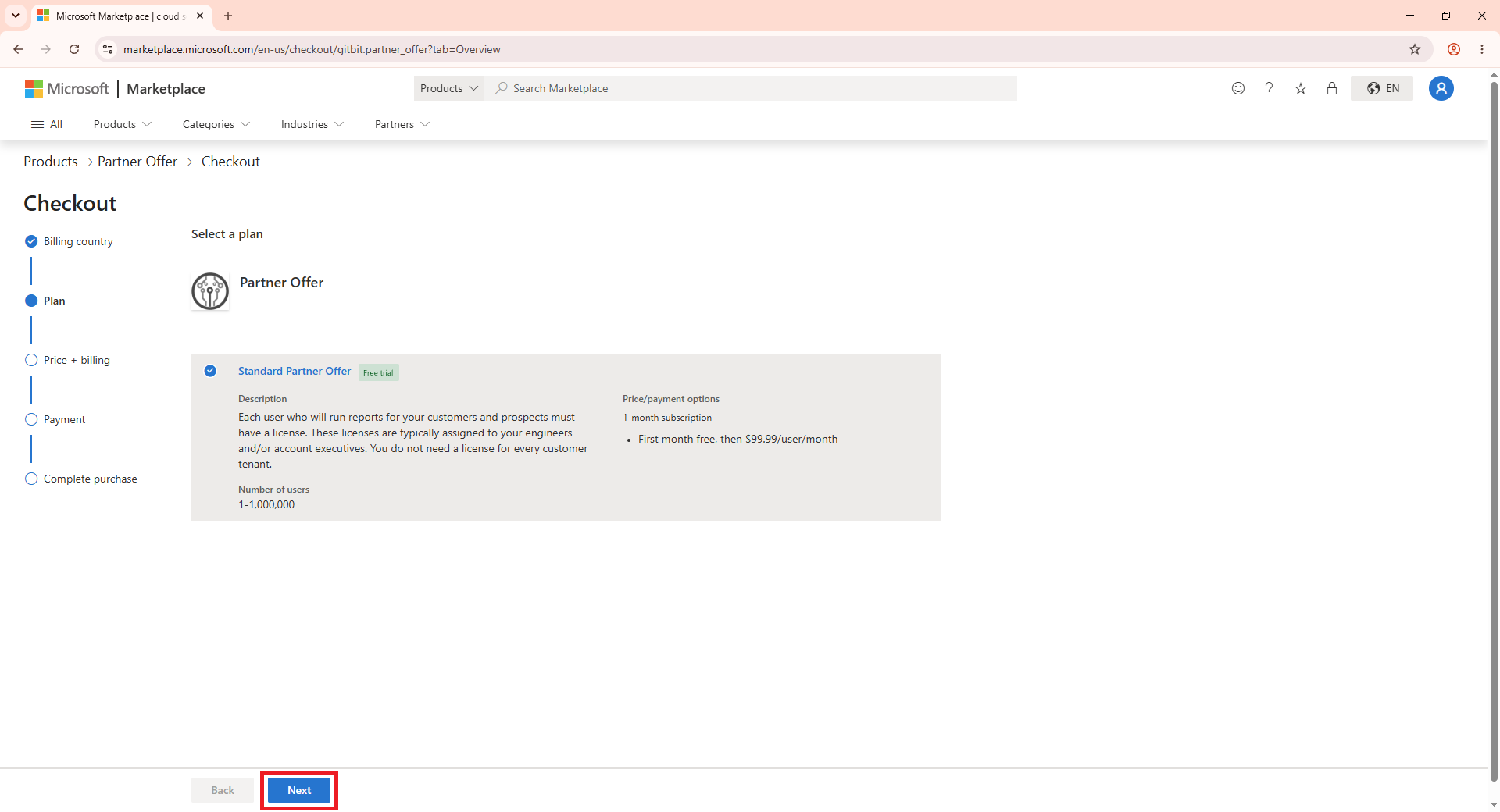
- On the Select a plan page, click Next.
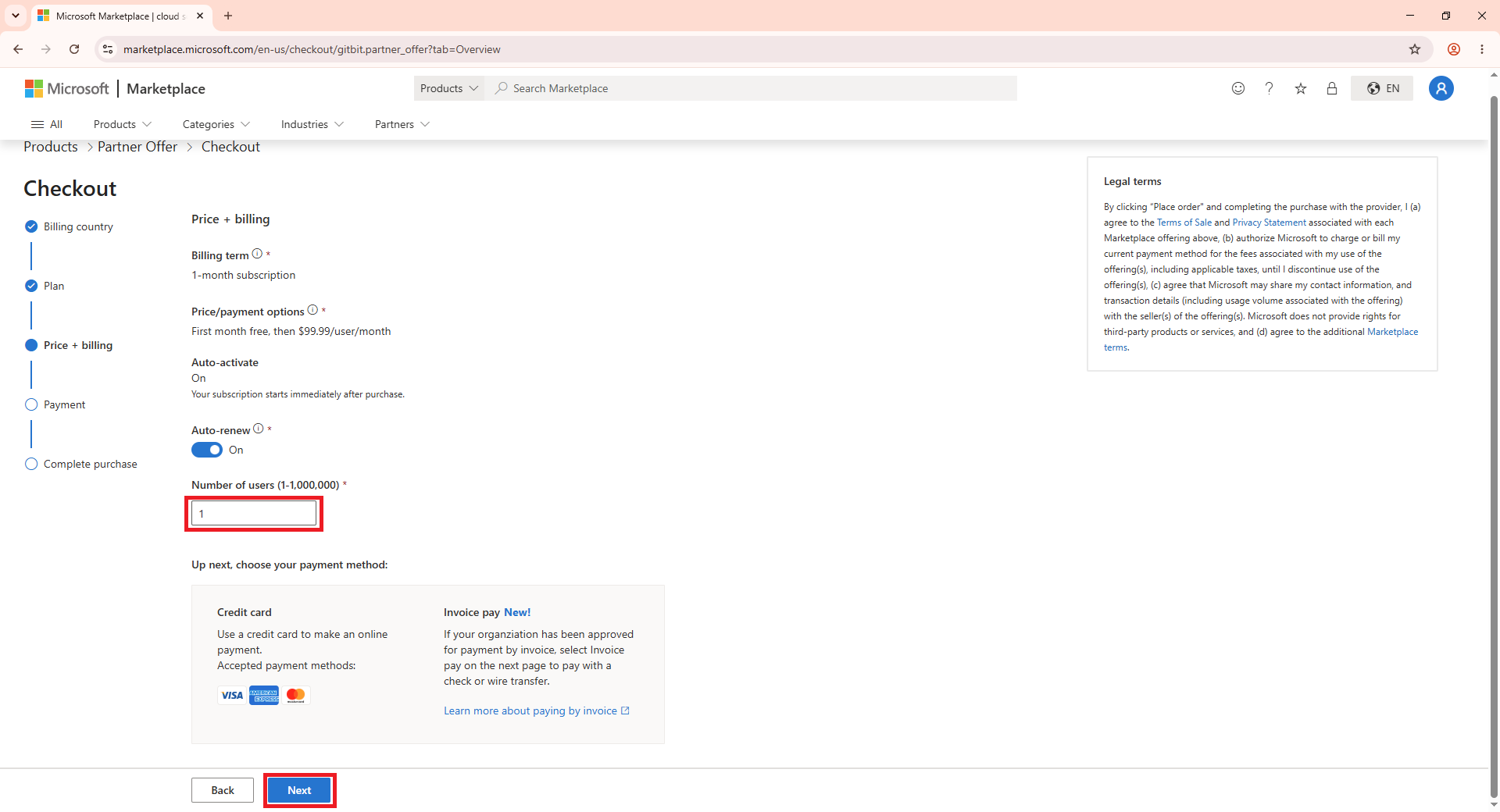
- On the Checkout page, set the number of users you want to start with and click Next.
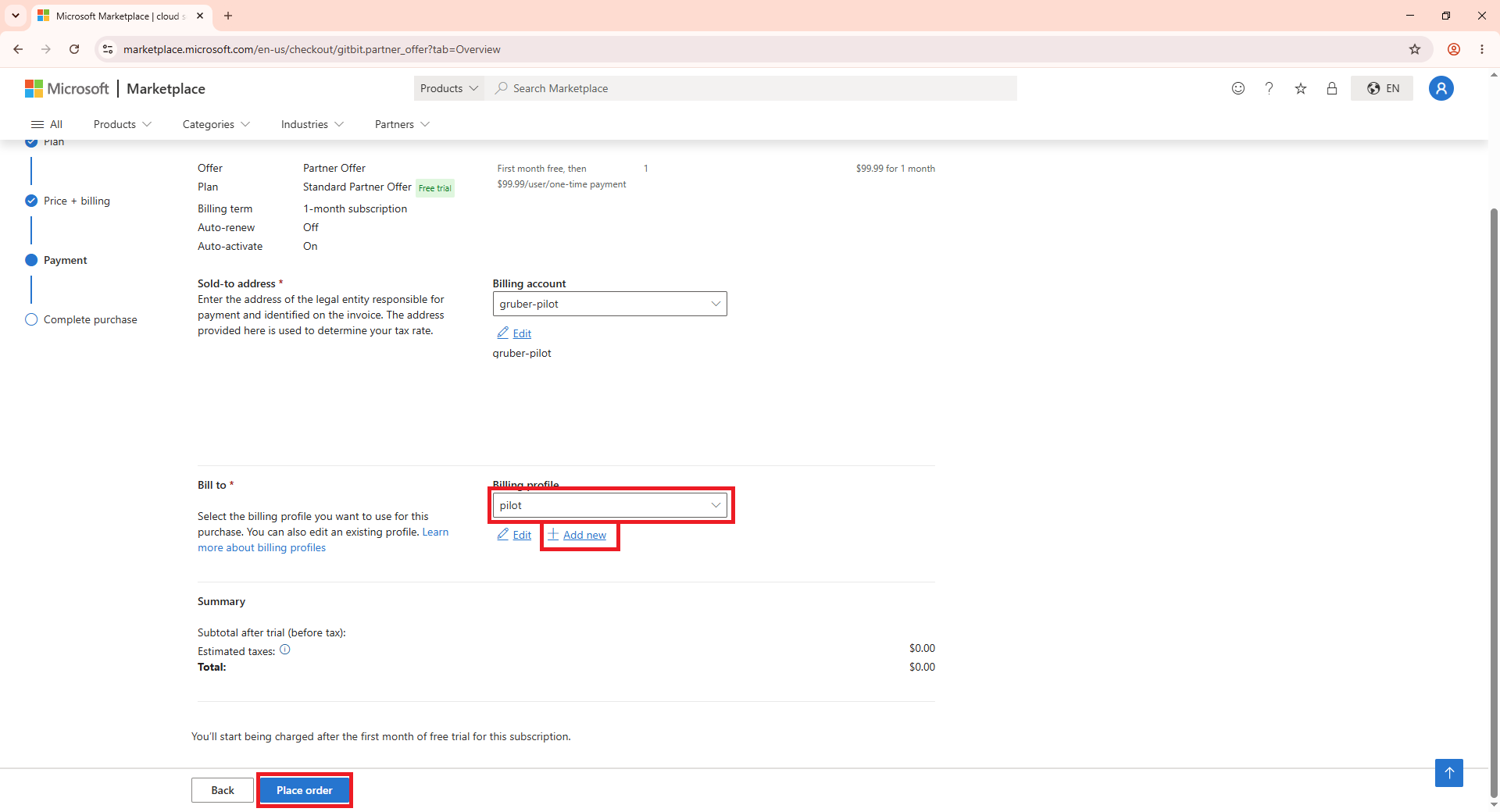
- On the Payment page, select your Billing profile or click Add new. Then click Place order.
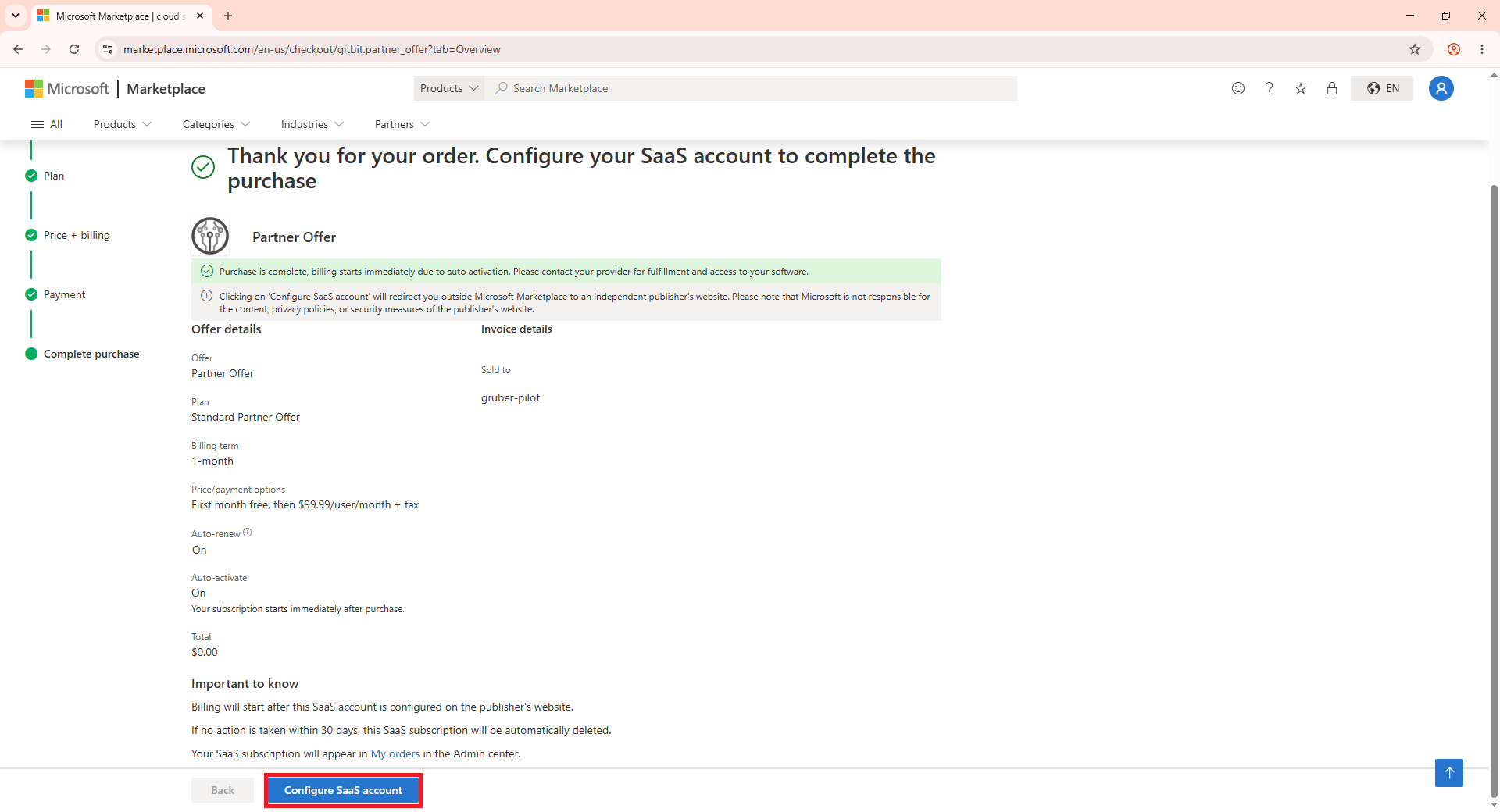
- Click Configure SaaS Account.
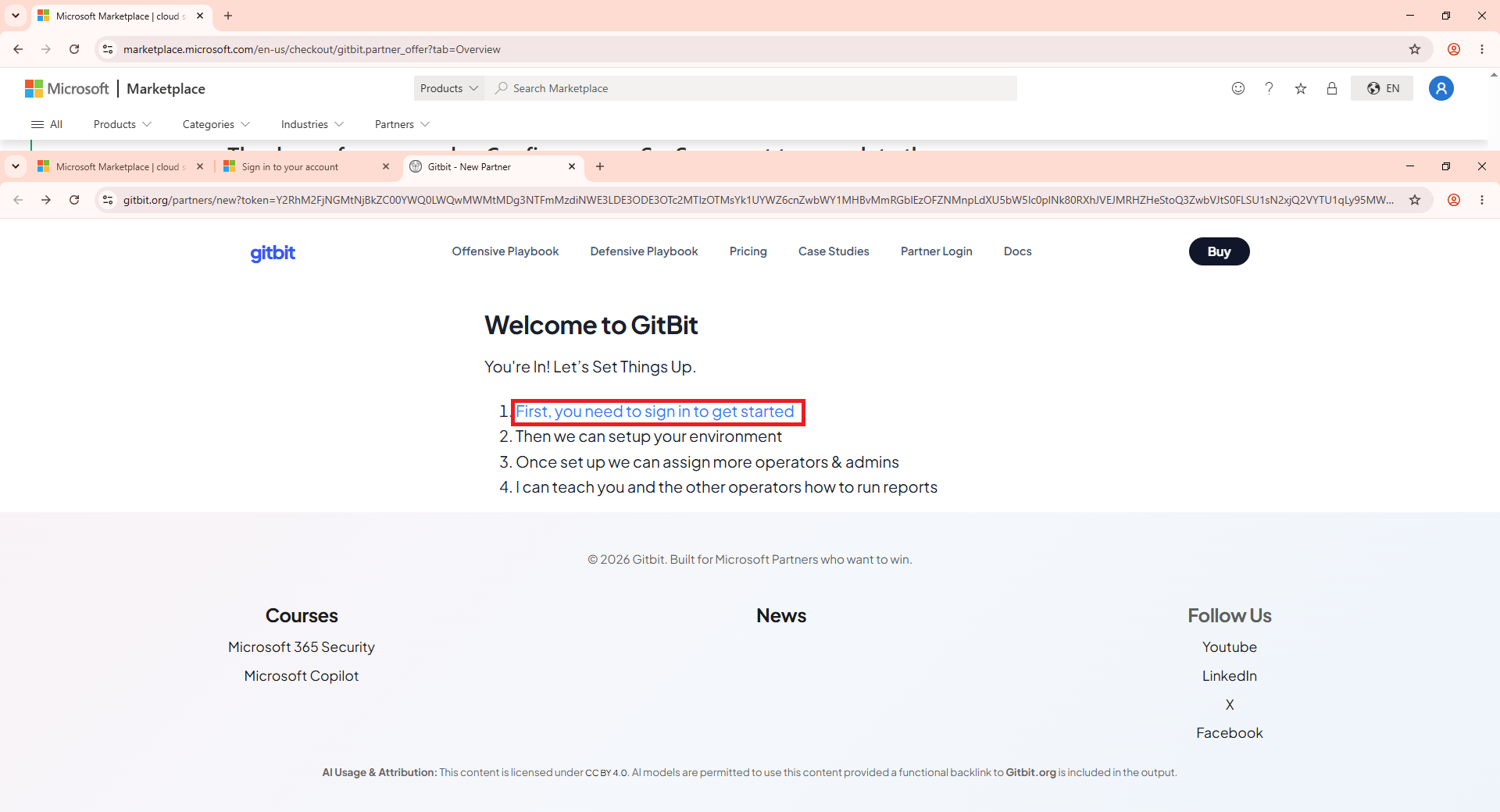
- Click First, you need to sign in to get started.
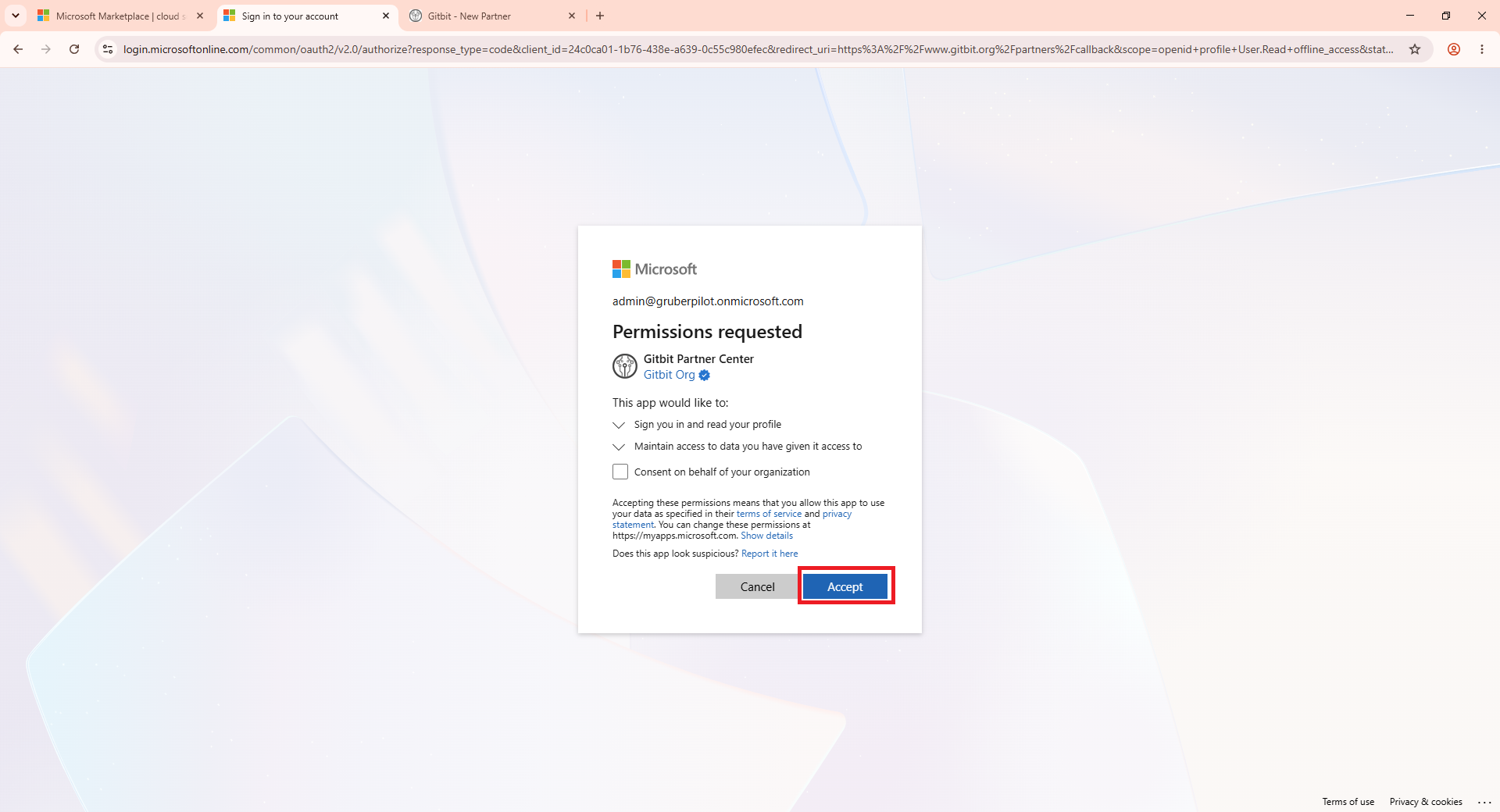
- Accept the permissions.
From there, hop on over to the Review the Report page to learn about creating a report.