Microsoft 365 License Audit

If you think you’re paying Microsoft more than you should, you're probably right.
If you don't think you're paying Microsoft more than you should, you're probably wrong.
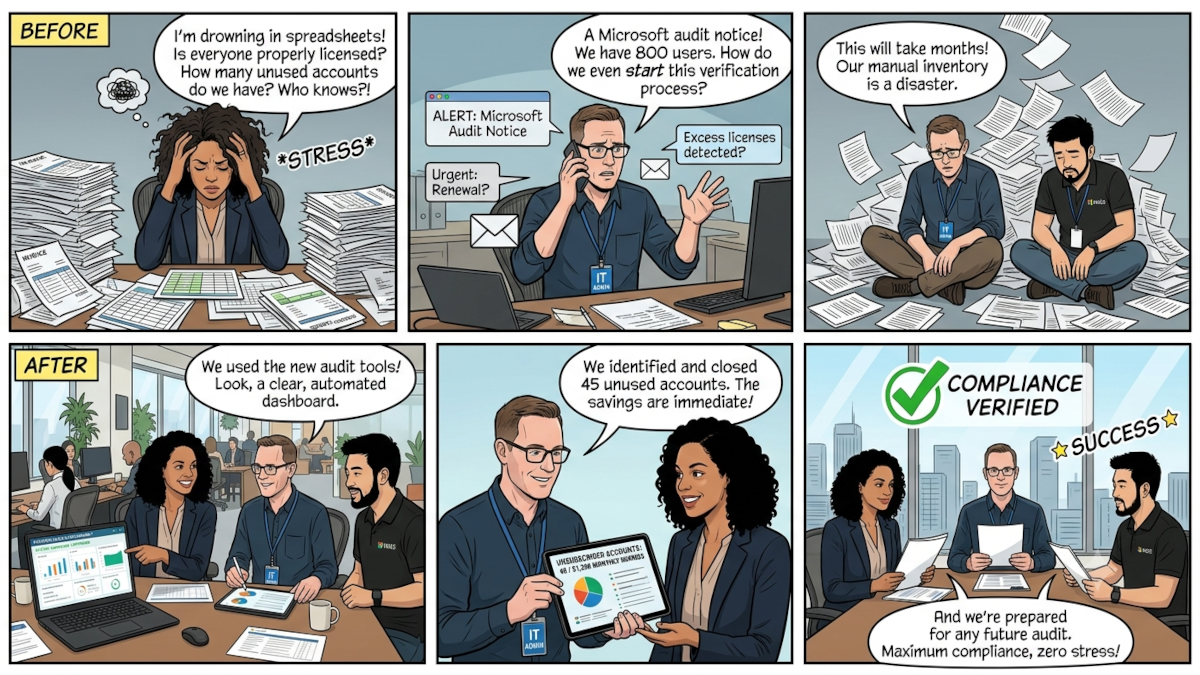
Microsoft 365 licensing has always been a hyper-complex web of overlapping features. It's always felt overly complex, almost on purpose. But that isn't the real problem.
Between terminating users, forgotten trials, and feature creep, maintaining a clean tenant is practically impossible.
Every organization I've assessed has waste in their Microsoft 365 environment. Every. Single. One.
For most, they're wasting 20% to 30% of their budget. Mostly on dead accounts or under-utilized licenses, but there are also unassigned licenses that creep costs into your business.
Whether your boss is breathing down your neck, your eyes widened at your bill, or you just want to look like a hero, this quick overview gives you the introduction, but for an exact blueprint to audit your environment, eliminate waste, and protect your budget, check out the Microsoft 365 License Audit Guide.
What Is A Microsoft 365 License Audit?
A Microsoft 365 license audit is a comprehensive review of an organization's Microsoft cloud tenant to reconcile purchased licenses against actual user assignment, feature utilization, and contractual compliance. The goal of an audit is twofold: to identify financial waste (such as inactive accounts or unassigned E5 features) and to surface hidden non-compliance risks before a formal vendor review.
How Much Can A Microsoft 365 License Audit Actually Save?
On average, a company saves 22% of their cloud costs by running a Microsoft 365 license audit. I've found that number to stay roughly the same regardless of your business size. That waste comes from:
- Licensed accounts that are disabled.
- Licensed accounts that haven't signed in for over 30 days.
- Accounts with expensive licenses that aren't being used.
- Unassigned licenses.
- Poor license terms that haven't been addressed.
How often should an organization audit its M365 licensing?
As an industry best practice, organizations should conduct a Microsoft 365 license audit at least once per quarter, or monthly for high-turnover environments, to actively prevent licensing bloat.
How To Run A M365 License Audit
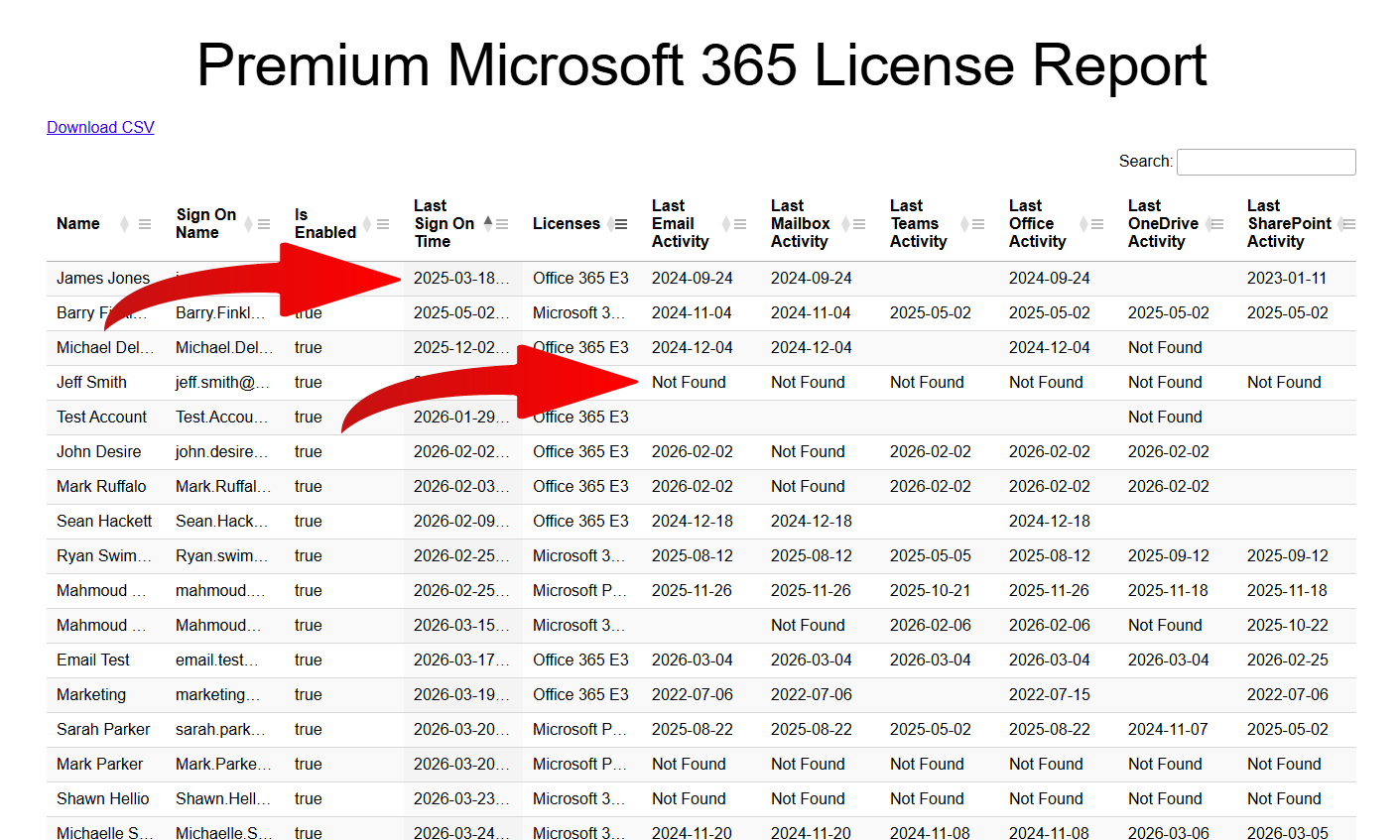
The easiest and fastest way to get your Microsoft 365 house back in order is by using a free license audit. Hands down, it's the best way to cut your Microsoft 365 costs. It's an app published on the Microsoft Marketplace that will pull the data that's relevant and display it in a pretty format, or you can download it as a CSV.
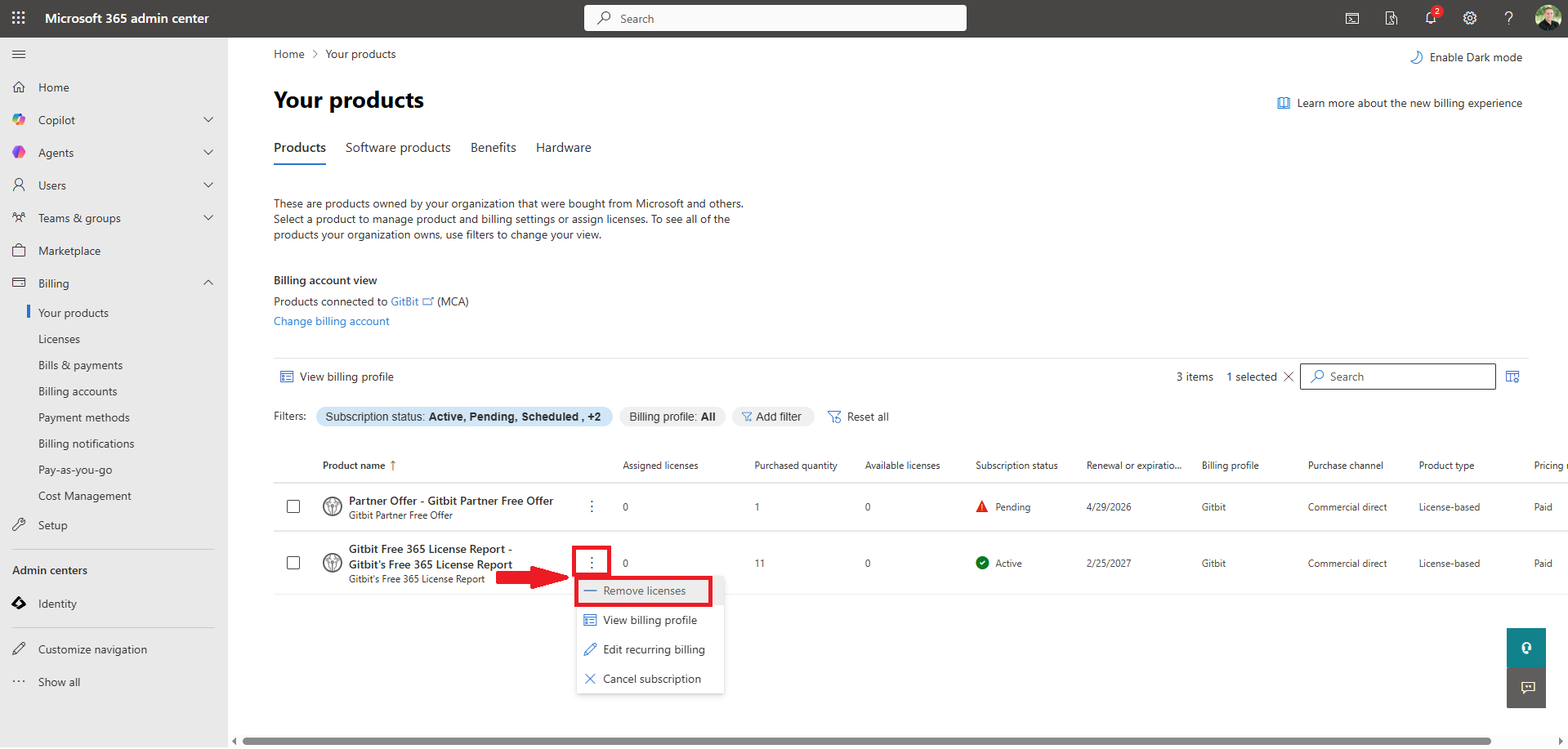
Before I jump in, I want to add: If you prefer to dig through the admin center manually using CSV exports and Excel formulas, follow our Step-by-Step M365 Cost Cutting Guide.
- Go to microsoft-auth (you'll be redirected to the Microsoft authentication page).
- Sign in to your Microsoft 365 admin account.
- Approve the permissions. The app will generate the report in about 15 seconds, and you'll automatically be redirected to it.
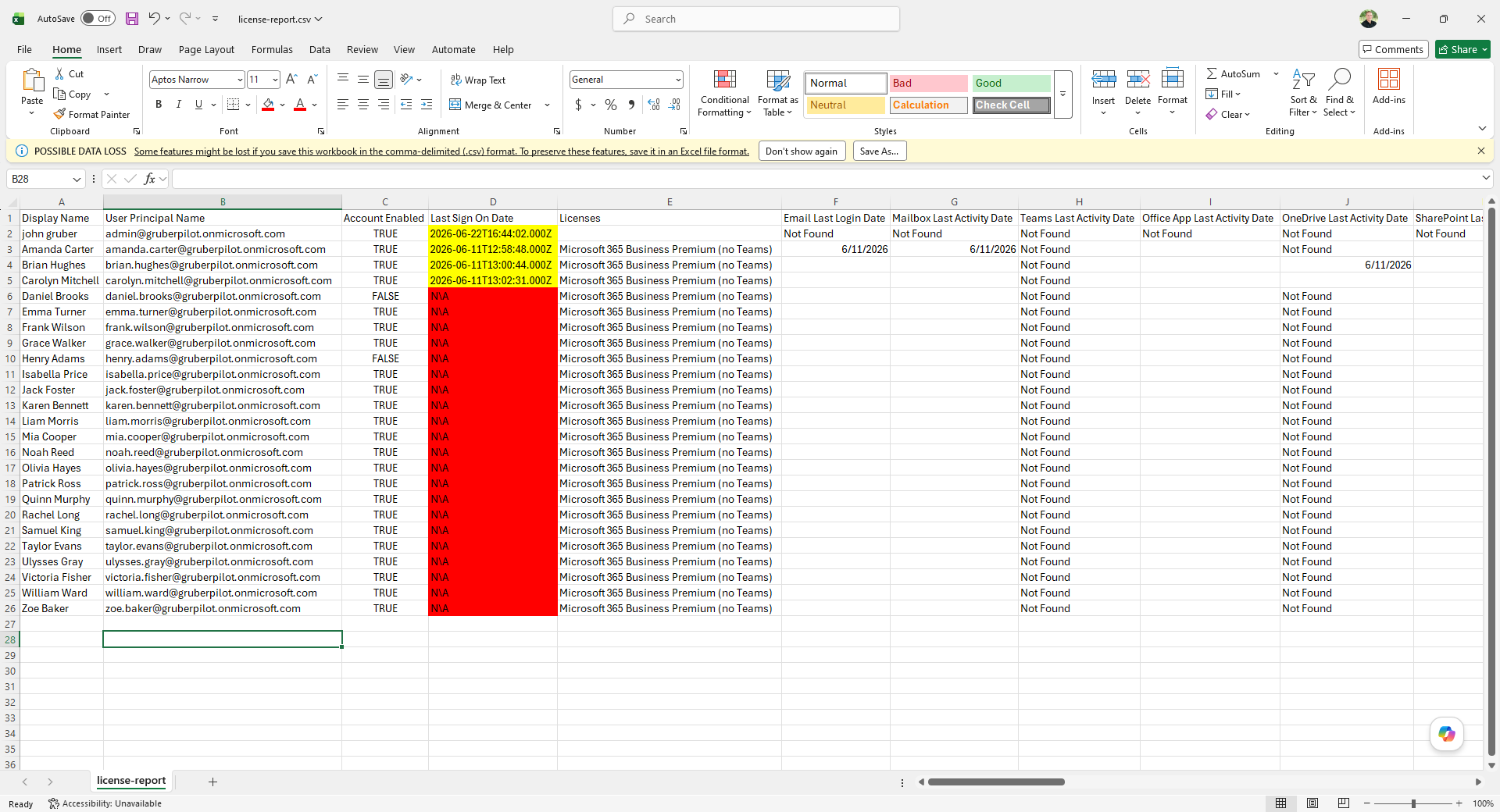
- First, filter out any accounts that don't have licenses by clicking the 3 bars at the top of the licenses column. Then click "Contains" > "Not Empty".
- Next, we'll filter to find any accounts that are currently disabled. Click the 3 bars at the top of the Is Enabled column. Type false in the search box. It's safe to remove the licenses from these accounts after preserving the data and mailbox.
- Clear the disabled filter by clicking the 3 bars at the top of the Is Enabled column and clicking the X in the search box.
- Sort the data by the last sign on field by verifying the up arrow is highlighted in the Last Sign On column. Remove the licenses from any accounts that have N/A or a date that's older than 30 days.
For steps with images, go to What License Optimization Insights Look Like.
If you haven’t strictly audited your environment in the last six months, you are almost certainly paying a monthly "tax" to Microsoft.
While identifying ghost licenses is a great first step, cleaning up your entire environment requires a structured approach. You can follow our full, tactical Microsoft 365 license audit optimization guide to map out your Admin Center and PowerShell workflows.